

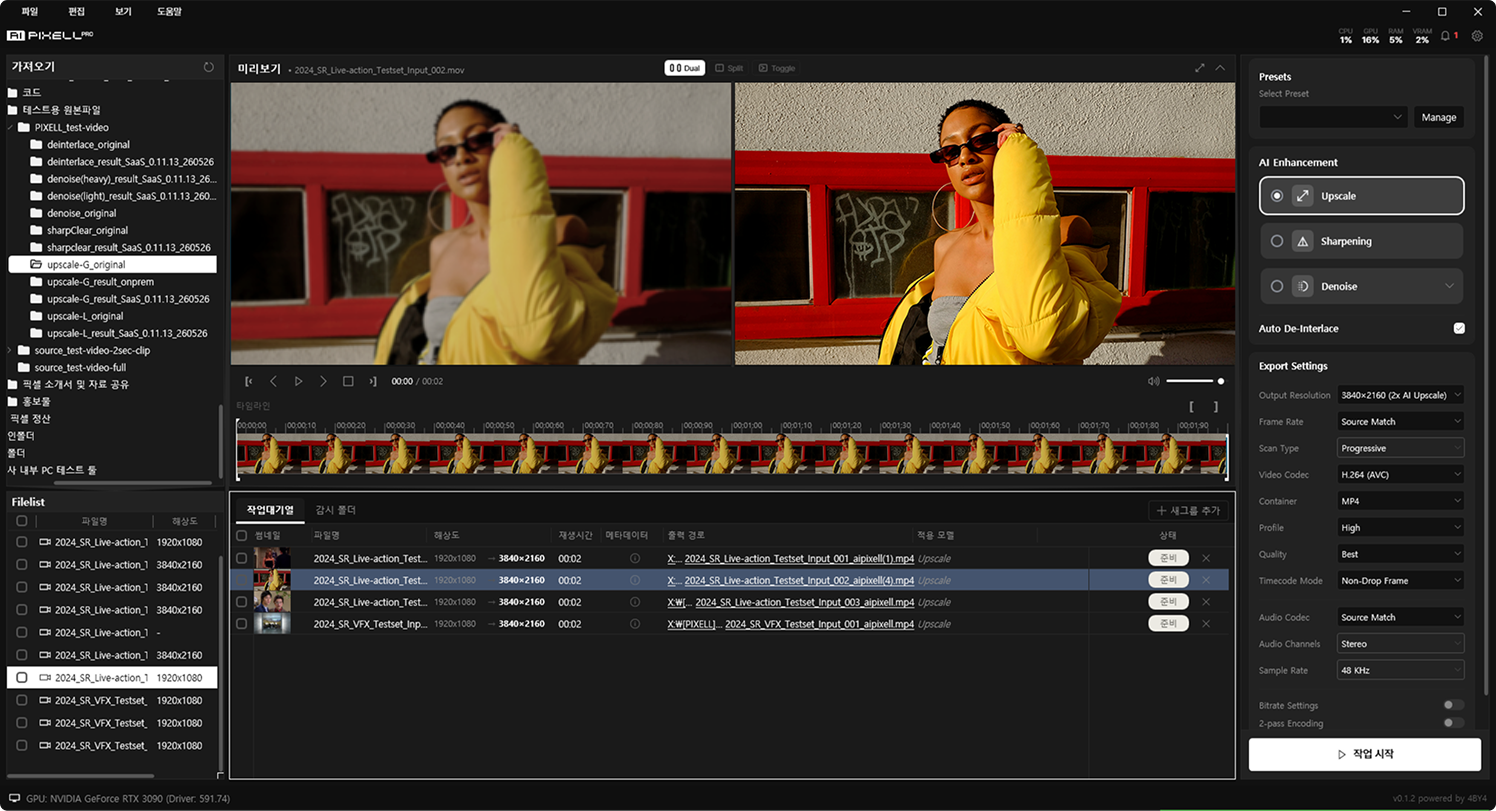
How is it different
from other upscalers?
AI PIXELL doesn't distort the original — it only sharpens the details of the scene you intended.
True to the original
Keeps the subject, framing, and color — the original structure intact.
Detail enhancement
Brings blurred textures and edges into sharp focus.
Natural finish
Finishes naturally, with no trace of AI processing.
Why upload YouTube videos
in 4K or higher?
The answer lies in how people watch.
Viewers and advertisers alike are moving to the big living-room TV, and the larger the screen, the more visible noise and compression flaws become.
6 months running (Nielsen The Gauge, Jul 2025)
year over year (Tinuiti, Q1 2025)
smartphones (42%) for the first time (Tinuiti, Q1 2025)
When is the best time
to enhance quality?
There's no fixed order.
From shooting to editing, uploading, and restoring old footage — fit it anywhere in your workflow.
Right after shooting
Instantly clean up the footage you shot that day.
Before editing
Tidy up each clip's quality before moving to your editor.
Before uploading
Boost quality to reduce compression loss before upload.
Archive restoration
Restore old videos to 4K or higher resolution.
We especially recommend processing it all at once before uploading.
Can vertical shorts
be enhanced too?
Yes. From widescreen to vertical shorts, it enhances any aspect ratio and resolution as-is.
Landscape
Standard widescreen
Portrait
Shorts · Reels
Square
Feed videos
Cinematic
Ultra-wide
Frequently Asked Questions
Non-generative AI enhancement software like AI PIXELL is the right fit. Apply upscaling, denoising, and sharpening in one program to lift your footage to 4K or 8K without distortion.
Yes. Even old videos left in low bitrate and low resolution come back to life for modern screens with a combination of denoise → upscale → sharpen.
Yes. It naturally cleans the low-light and night noise of small sensors, and can upscale up to 16K so your uploads look sharper on social media and YouTube.
Yes. Everything runs on-device on your PC with no cloud upload — unreleased videos never leave your machine, and there are no watermarks or size limits.
AI PIXELL is non-generative — it never fabricates detail that wasn't there. It only restores and refines existing information, so faces, text, and textures never drift from the original through hallucination or distortion.
Yes. With the 14-day free trial you can apply it to your own footage with no watermark, resolution, or count limits, and decide after seeing the results.