

Broadcasters
“When we get the footage,
we denoise it automatically
before editing.”

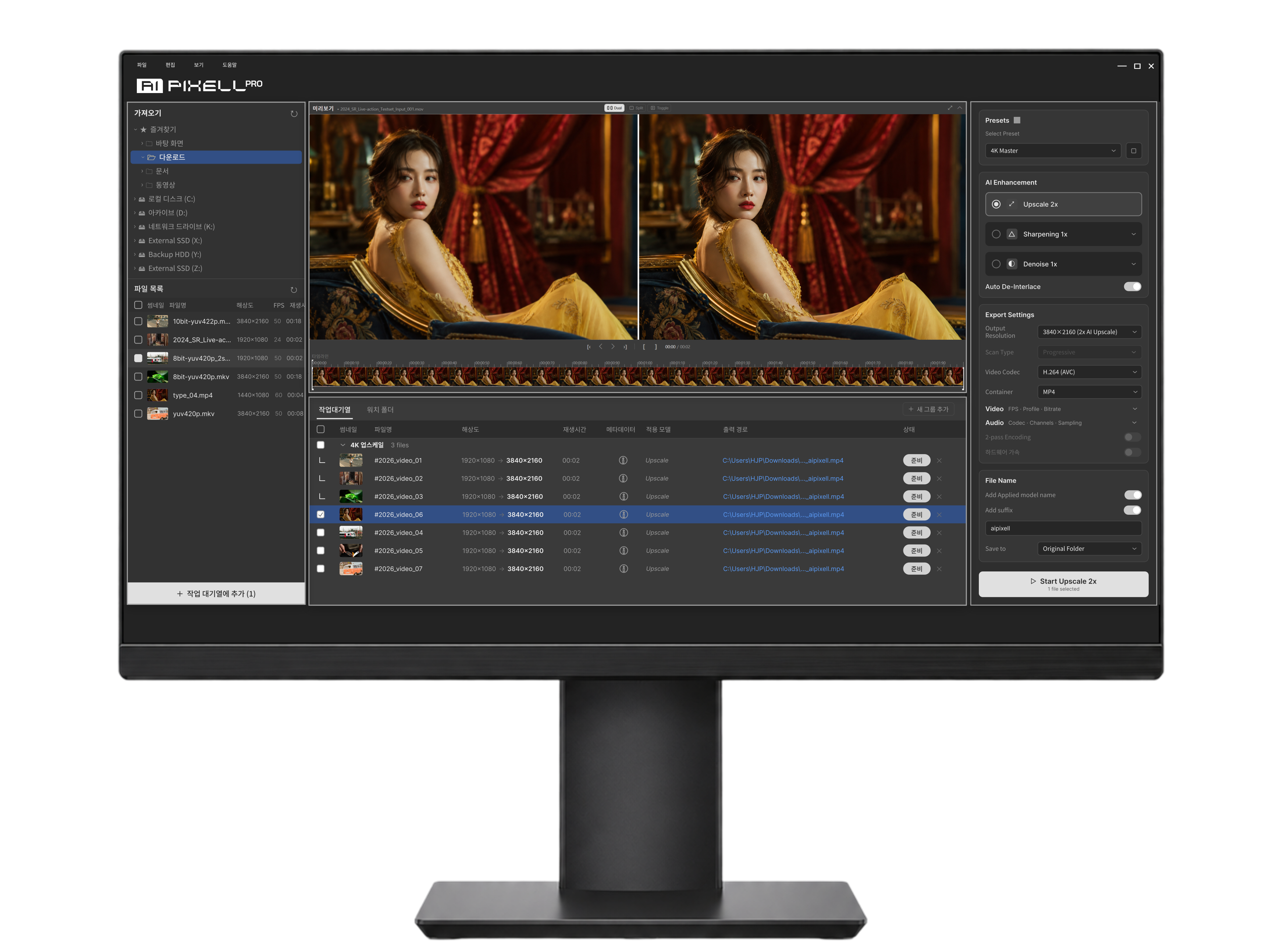
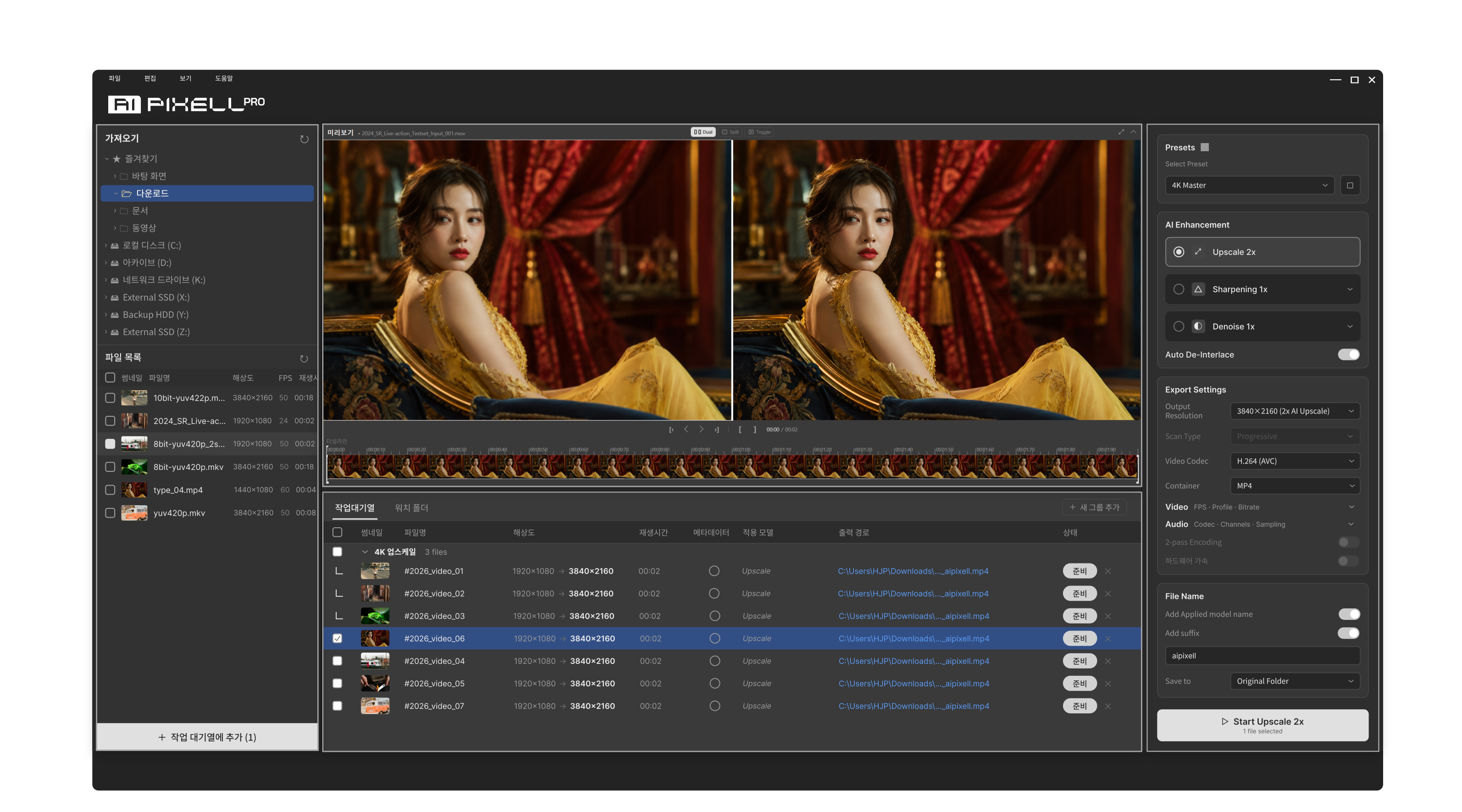
One-click video enhancement software
that analyzes and improves your footage automatically.
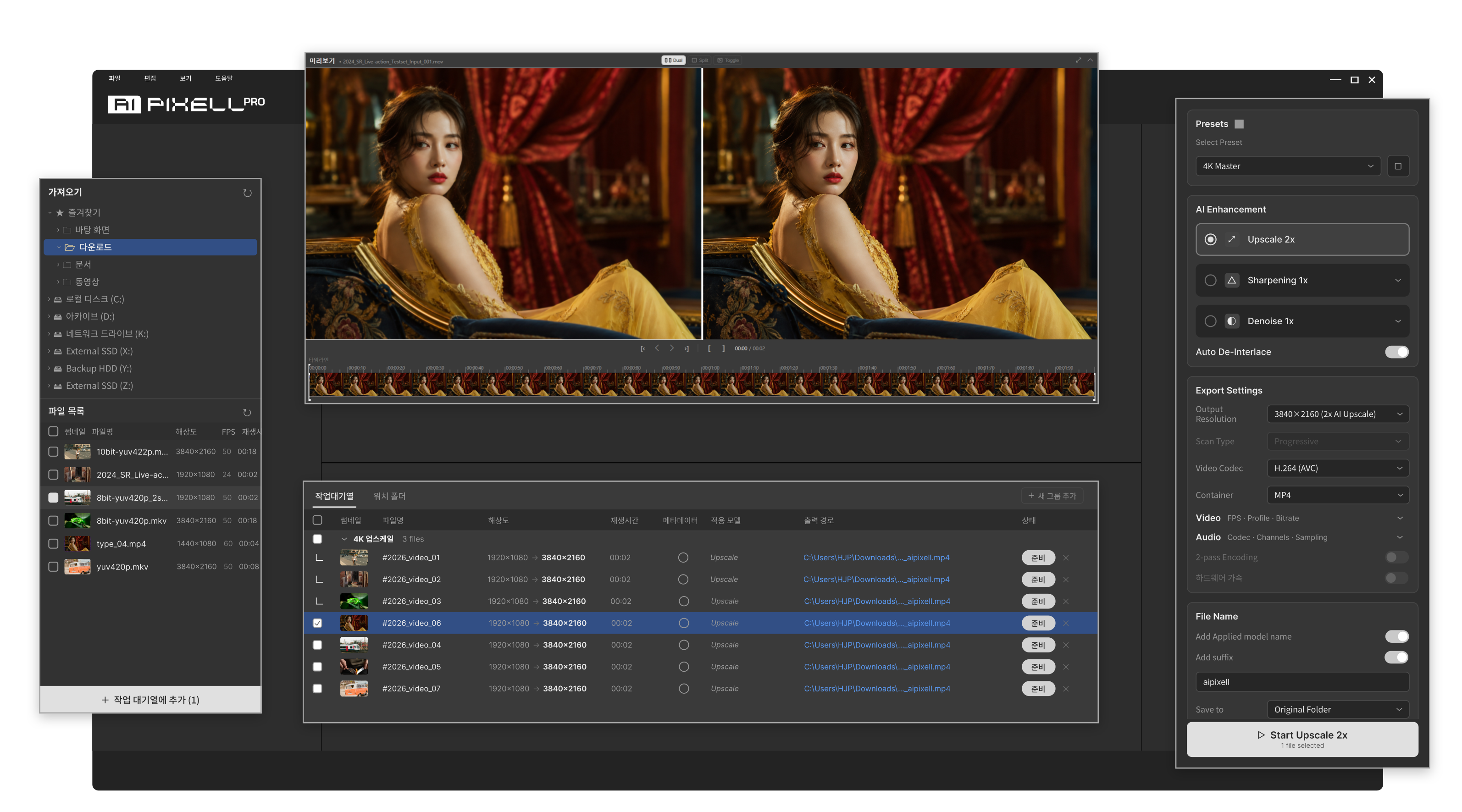
Familiar UI. Even easier.
Three steps. Anyone can do it.
It starts with different ground-truth training data.

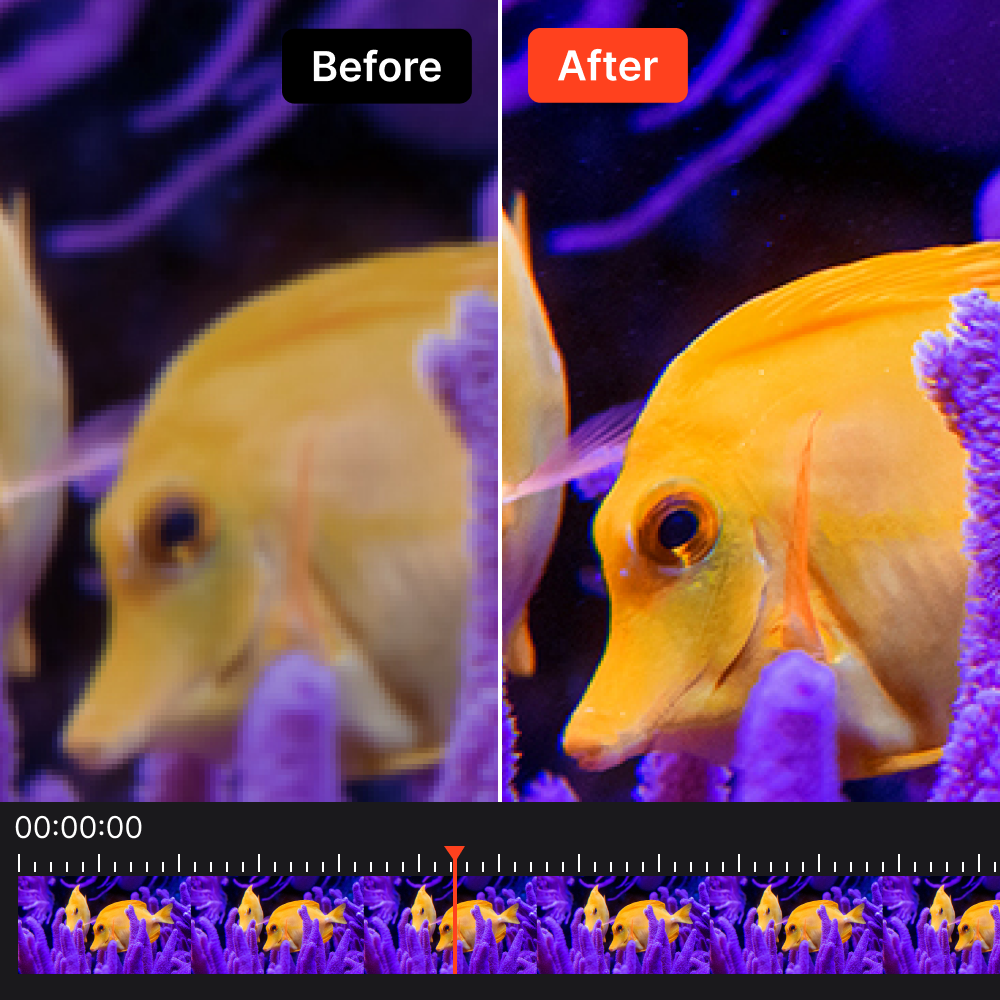
It never imagines details that weren't there.
*Hallucination refers to generative AI fabricating content that doesn't exist in the source in a plausible-looking way.
Preserves the original texture and detail naturally.
Upscale 2x takes inputs up to 8K,
while the other models accept up to 16K input.








Updates that improve convenience and usability are included free for life with your perpetual license.
Updates that add new features delivering better enhancement quality and performance than before.
AI PIXELL will keep releasing more incredible enhancement models.
Early adopters of the first version get a 50% discount coupon to use new models at half price.
A next-generation sharpening model that delivers stronger detail preservation and even more natural perceived sharpness.
30p to 60p. Intelligently generates frames to make motion smoother.
Brings faded colors back to life. A color restoration and enhancement model that makes video color look more lifelike.
Processing runs on your PC's GPU, so check the minimum and recommended specs below.
To run the desktop software, you'll need an NVIDIA graphics card that supports TensorRT acceleration.
| OS | Windows 10 (64-bit) |
| CPU | Intel i3 / Ryzen 3 |
| GPU | NVIDIA RTX 2060 (Turing or later) |
| GPU with TensorRT acceleration required | |
| RAM | 16 GB |
| Storage | 20 GB HDD |
| OS | Windows 11 (64-bit) |
| CPU | Intel i7 / Ryzen 7 |
| GPU | NVIDIA RTX 3090 (Ampere or later) |
| GPU with TensorRT acceleration required | |
| RAM | 16 GB |
| Storage | 20 GB SSD |
macOS-only desktop software in development
Yes. The 14-day free download gives you full feature access with no watermark, no resolution limit, and no usage cap. Try it out, then decide whether to buy a perpetual license.
No. One perpetual license can only be used on one PC. A license that has already been installed and activated can be deactivated and re-installed on another PC. PC changes are limited to once per year per license.
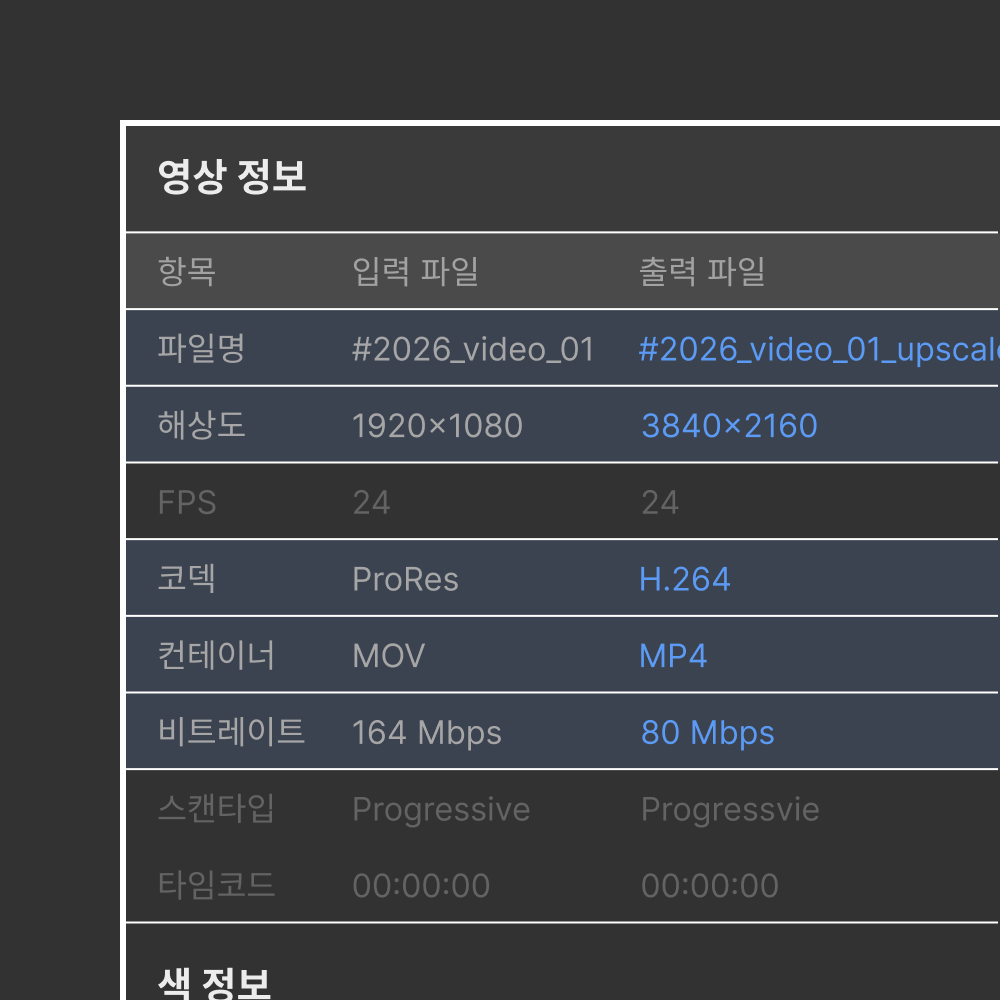
H.264 (AVC) · H.265 (HEVC) · VP9 · ProRes codecs and MP4 · MOV · MKV containers. At export, you can freely choose codec, bitrate, profile, aspect ratio, and timecode.
No. There are no limits on number of runs, video length, or file size — you can use it as much as your PC's specs allow.
No. All processing runs locally on your PC. Since videos are never sent to an external server, it's safe to use in secure or air-gapped environments.
Yes. Aside from one-time license activation online, all features can be used in an offline environment.
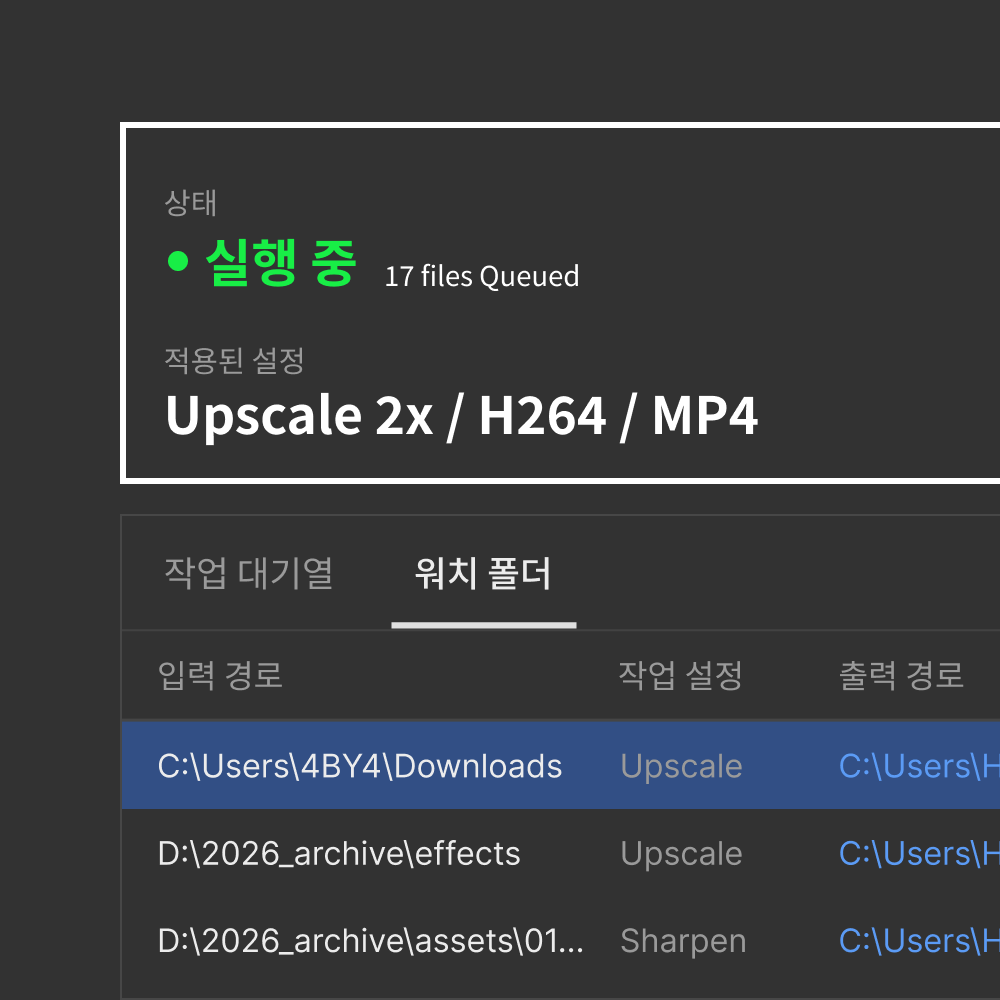
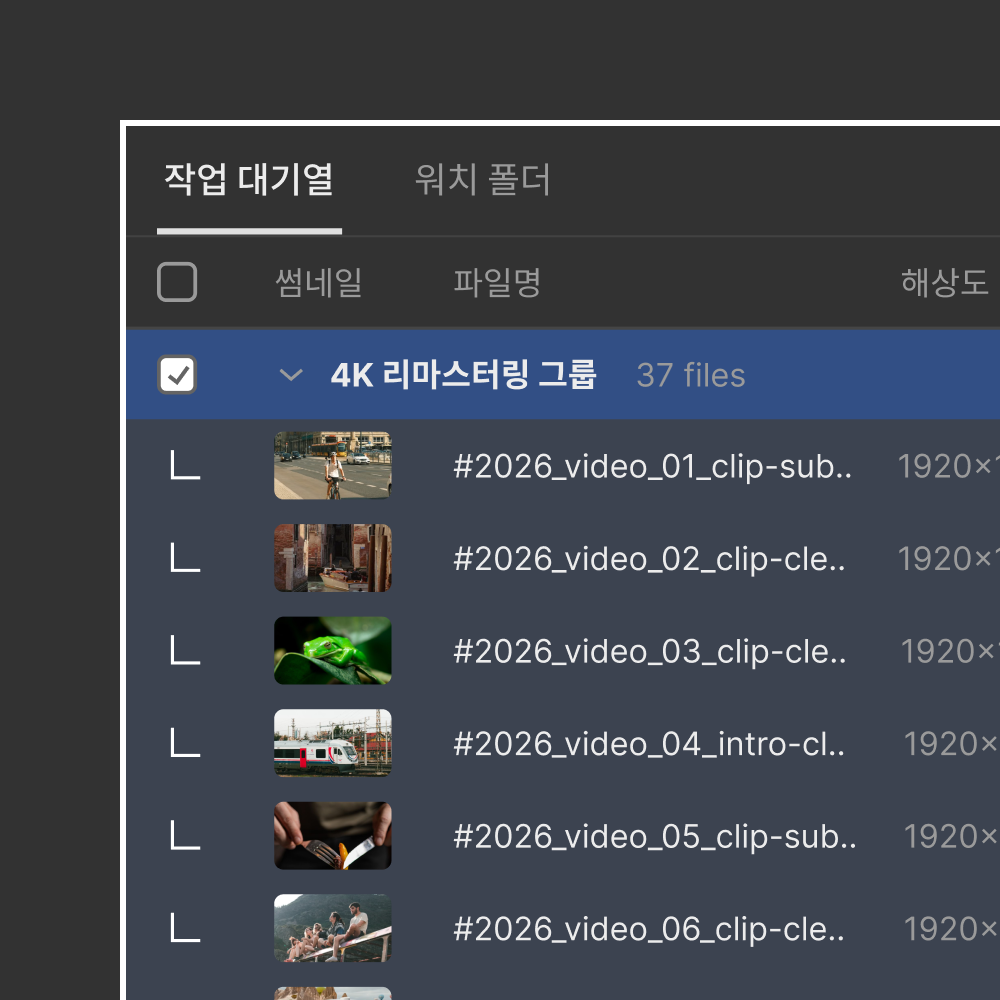
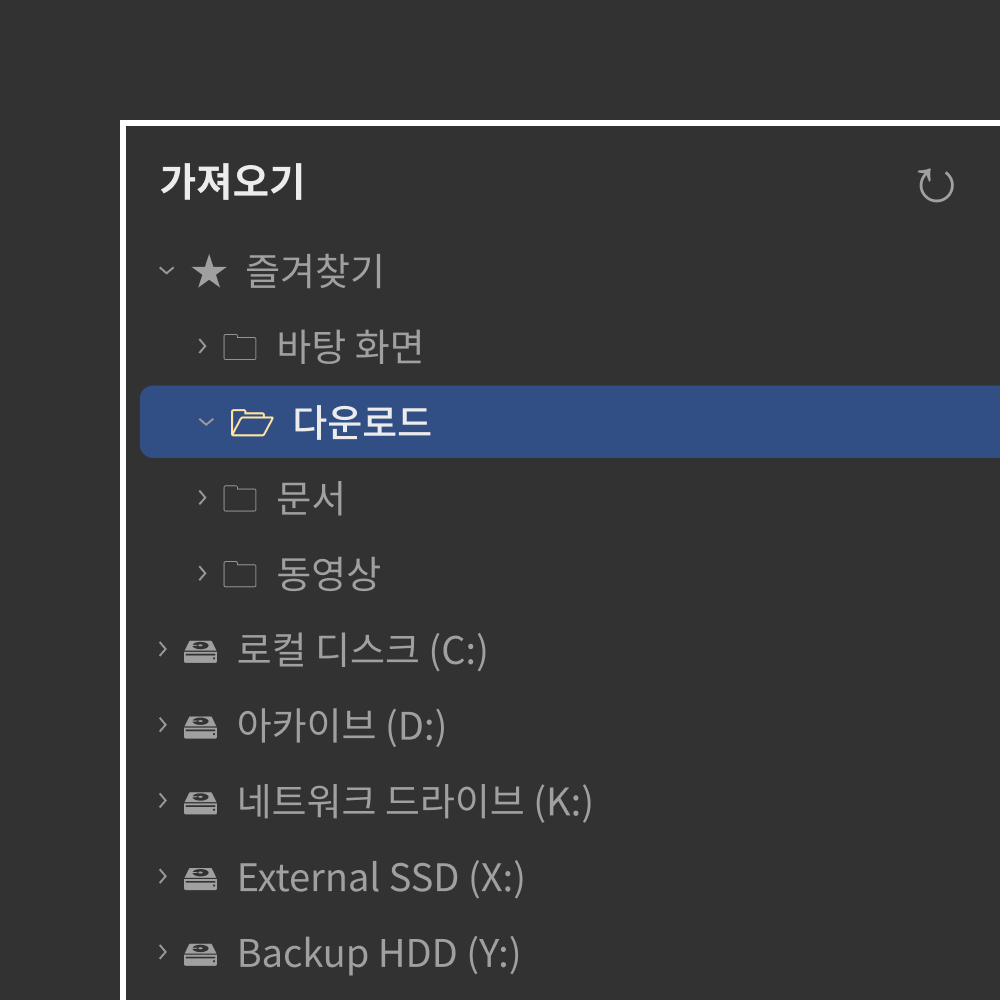
When a new video is added to a designated folder, it is automatically detected and processed with your preset model and options. While the app is running it also works in the background, letting you process large volumes of video unattended.
Currently the desktop software is for Windows 10 / 11 (64-bit) only. A macOS version is in development, and Linux is supported through our separate On-premise solution.
No. AI PIXELL PRO uses NVIDIA TensorRT acceleration for fast processing, so an NVIDIA RTX 2060 or later GPU is required. AMD Radeon, Intel Arc, and integrated graphics are not supported. For the exact list of supported models, see 'View supported GPU list' at the top of the page.