
Soft edges,
crisply restored
Make edges and detail in soft footage clear.
AI analyzes blurry edges, text, and texture, restoring them sharply.
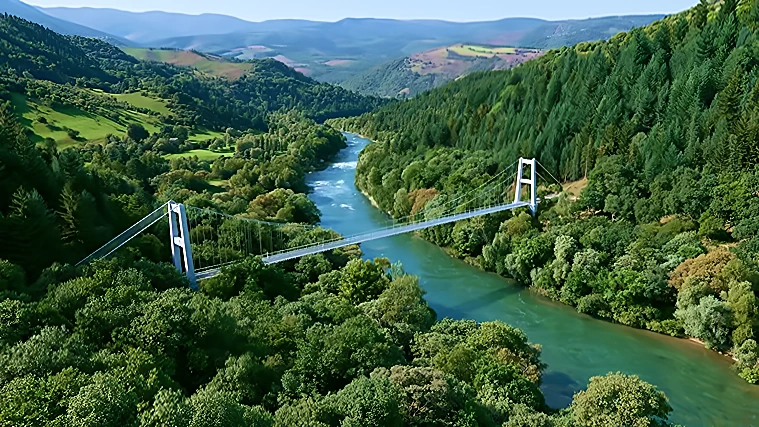

What is Sharpness?
A sharpness-enhancement feature where AI analyzes blurry edges, text, and texture in video and images, and restores them crisply.
See the difference
Blurry edges turn crisp. Sharpening edges and detail takes a single scene to show.




Naturally sharp
We don't over-correct into an artificial look. A non-generative approach that analyzes edges, text, and texture separately and strengthens only the regions that need it.
Traditional Sharpening
Boosts the whole image uniformly. Edges as well as noise get emphasized — leaving an artificial, harsh look and making fine region-by-region tuning difficult.
AI PIXELL Sharpness
Analyzes edges, text, and texture separately and applies a natural strength to each region. It doesn't invent empty regions, so results stay consistent and stable.
Upload
Drag in your video or image, or pull it from the cloud.
AI Analysis & Restoration
Analyzes edges and text, restoring sharpness naturally without over-correction.
Download
Save in the format you want, or plug straight into your workflow.

Effective on footage like this
In these situations, the difference in detail stands out more.

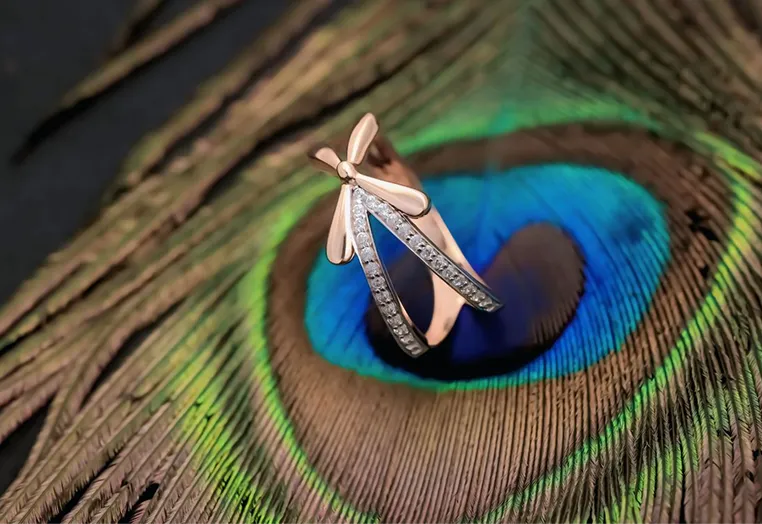
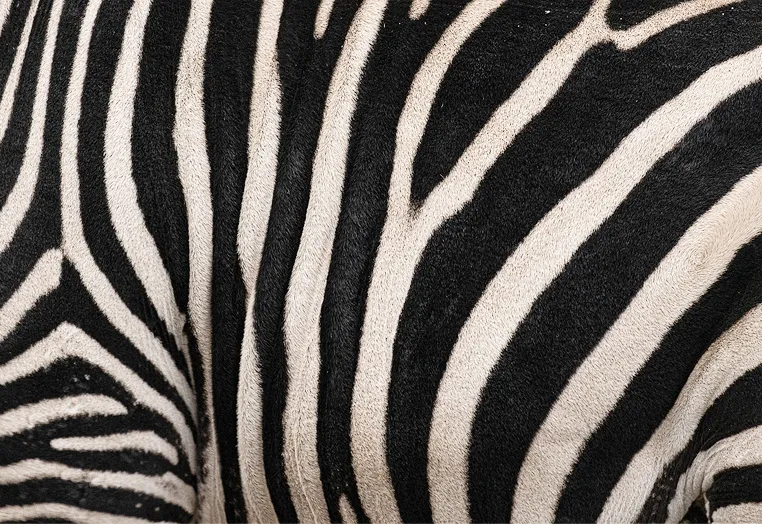

Who is this for?
For everyone working with detail-critical video.
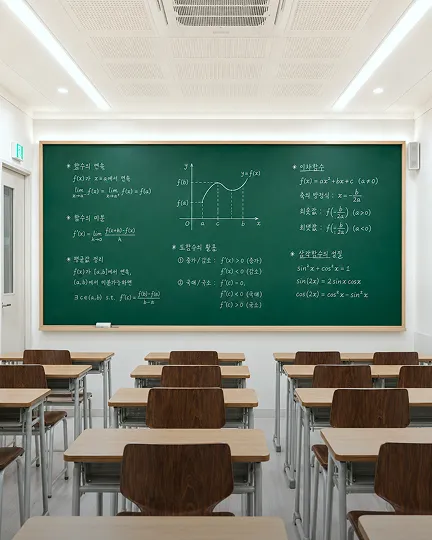

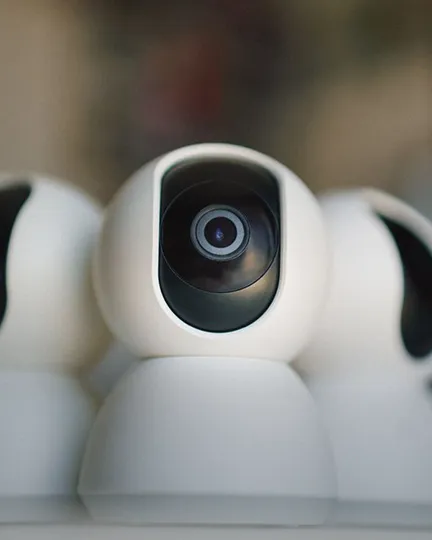

Spec
Production-ready specifications.
No hallucination or distortion
analyzed separately
supported
finished in a single click
Included in the Windows desktop software. Official license $159
Frequently asked questions
Edges, text, and textures are analyzed separately and each region receives a different intensity, so sharpness is restored naturally without over-processing.
Yes. Text regions are recognized separately and their legibility is restored. It works well on blurred subtitles, product labels, and writing on boards.
It suits sources that lack overall sharpness — slightly out-of-focus shots, footage shot with soft lenses, and uploads blurred by compression.
In general, applying denoise, then upscale, then sharpness yields the crispest results without amplifying noise.
AI PIXELL sharpening is designed to restore only edge and contour clarity without amplifying noise. For noisy footage, we recommend applying denoise first, then sharpening.
Light soft focus and motion blur improve as edges are restored. Fully missed focus is limited, though — where the information is gone, it won't invent detail that wasn't in the original.
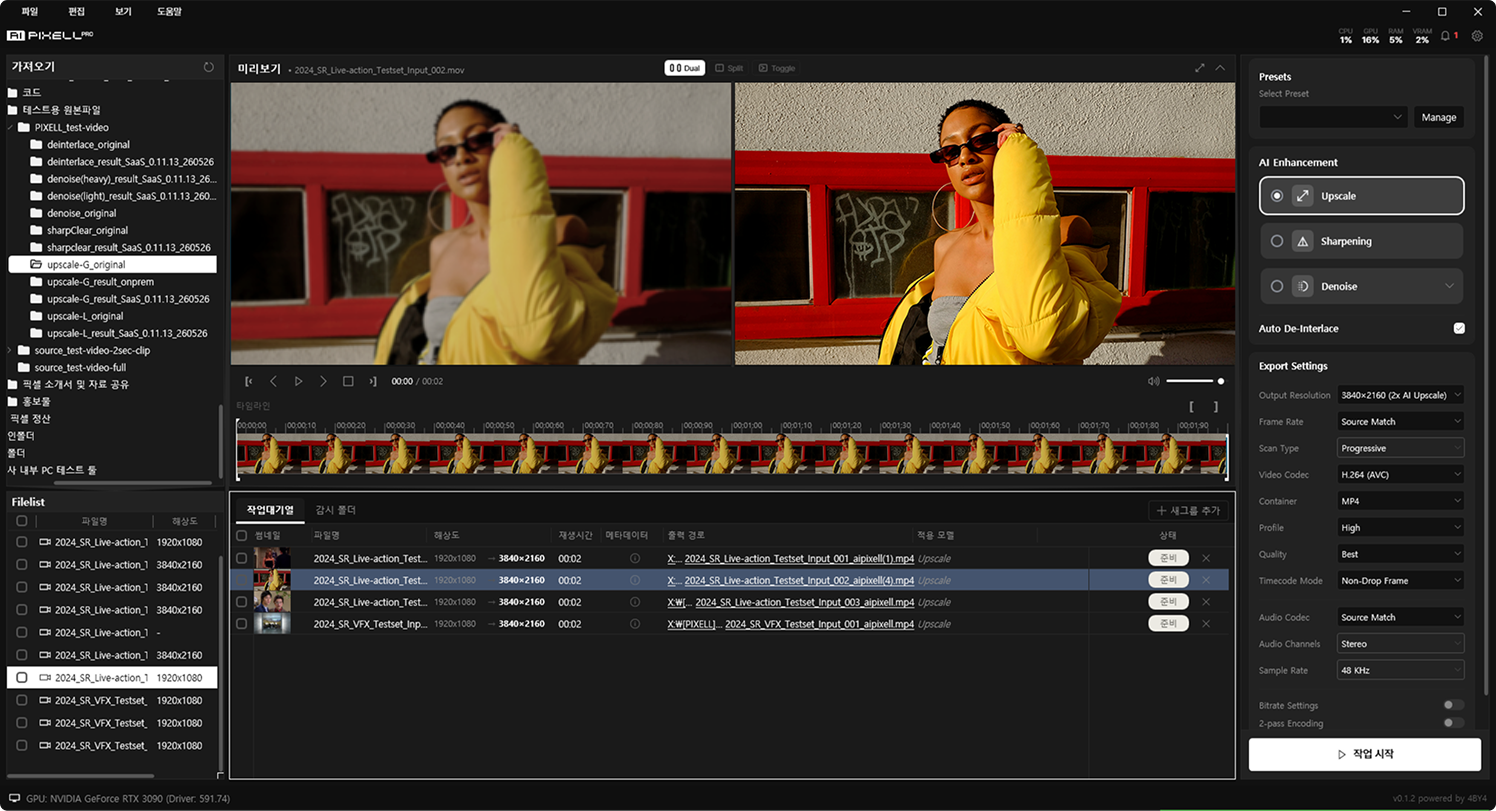
H.264 (AVC), H.265 (HEVC), VP9, and ProRes codecs with MP4, MOV, and MKV containers. At export you can also set codec, bitrate, and profile.
It runs with TensorRT acceleration on NVIDIA RTX GPUs, with no limits on count or length. Queue multiple files for batch processing or automate with watch folders.
Watch blurry edges turn crisp
Start free now and restore the detail of your footage crisply.