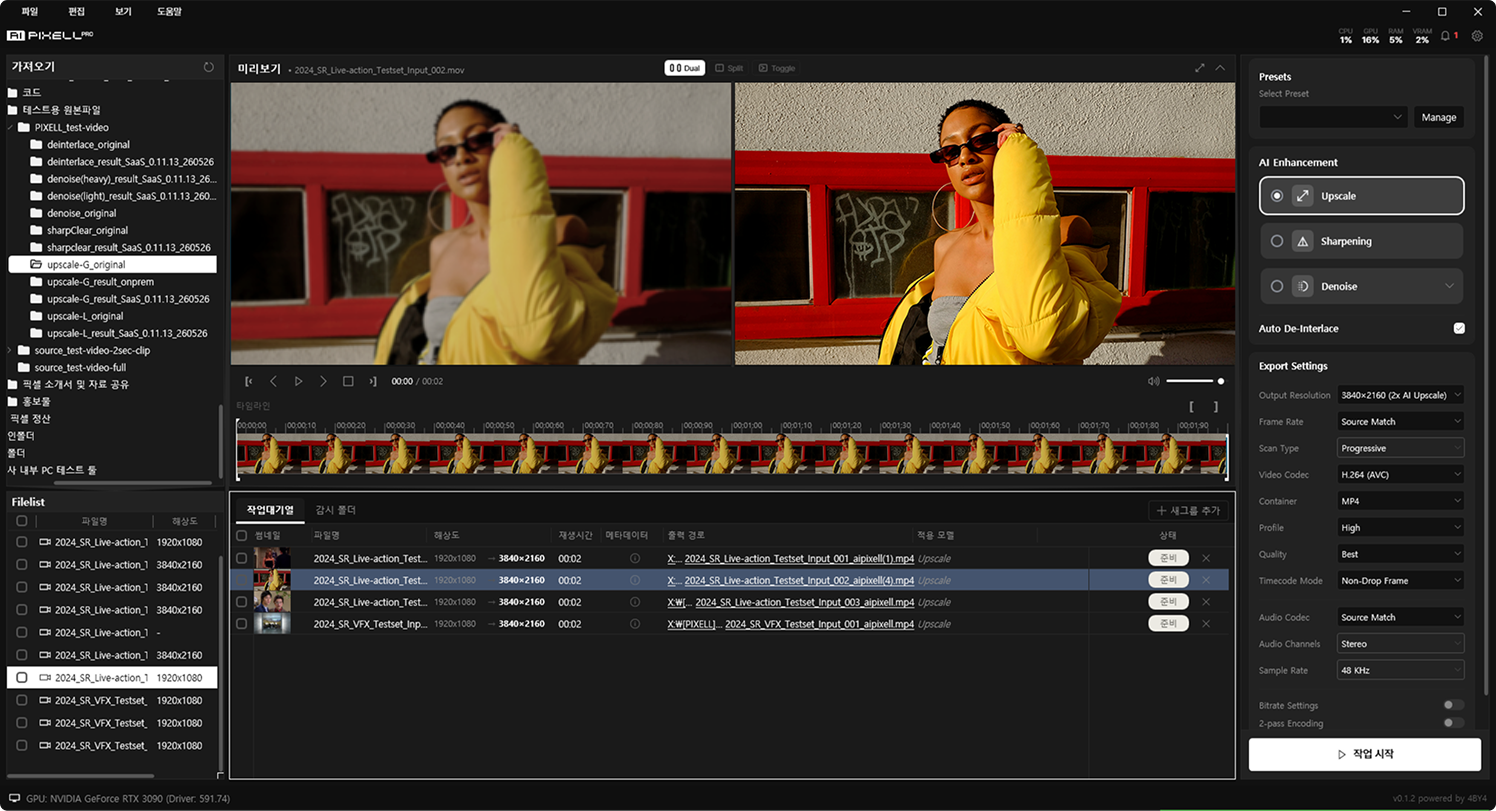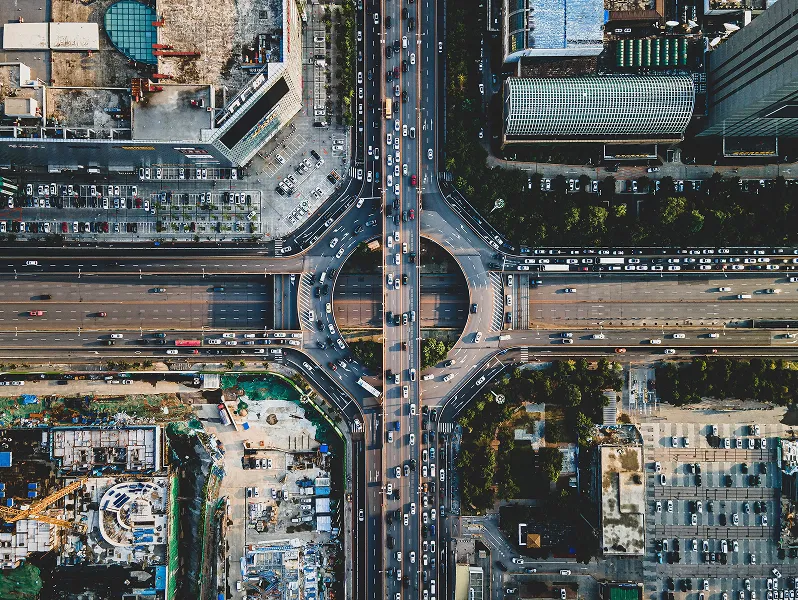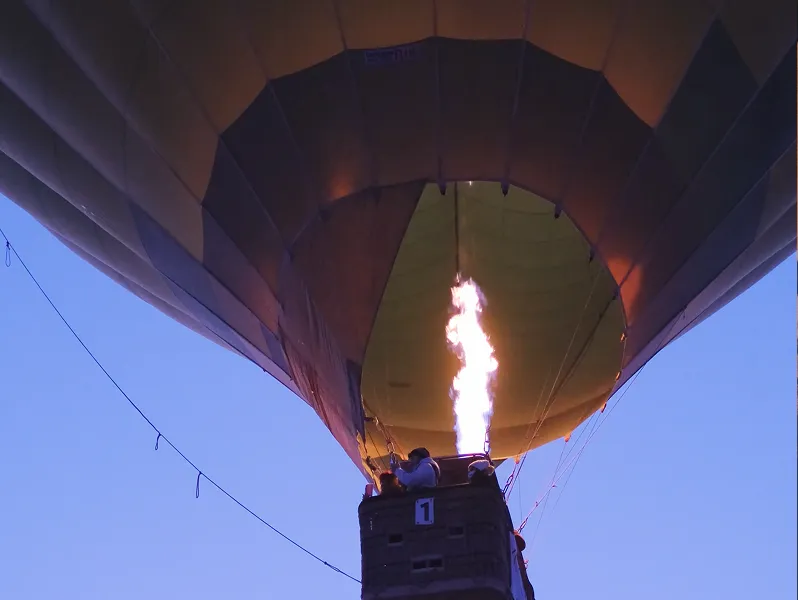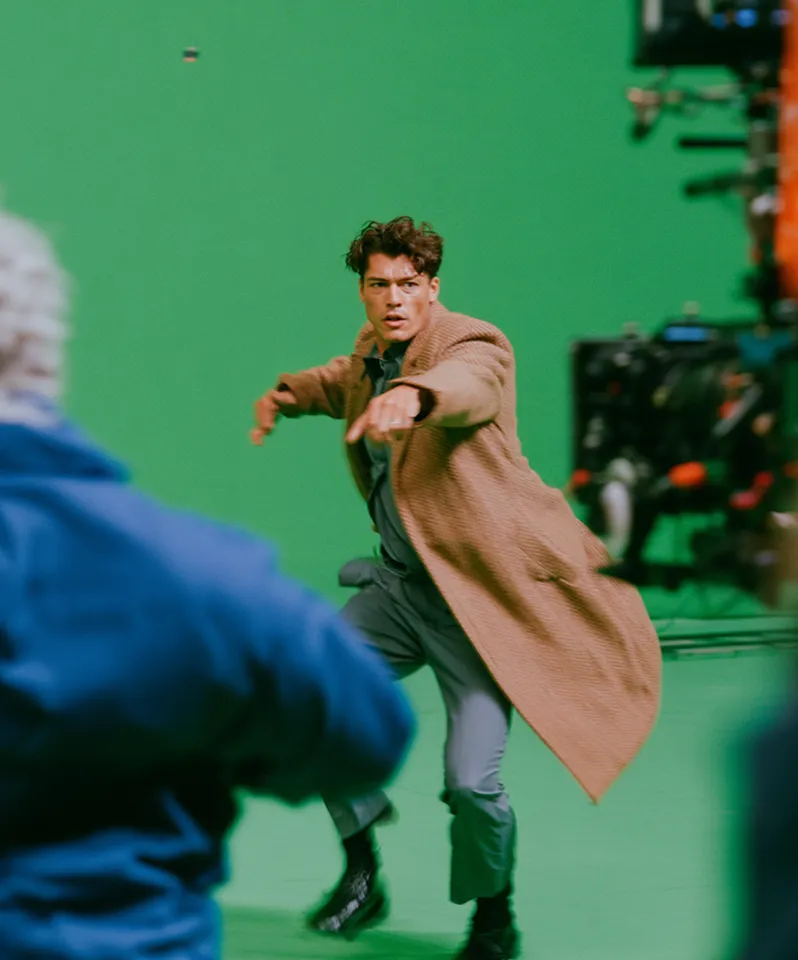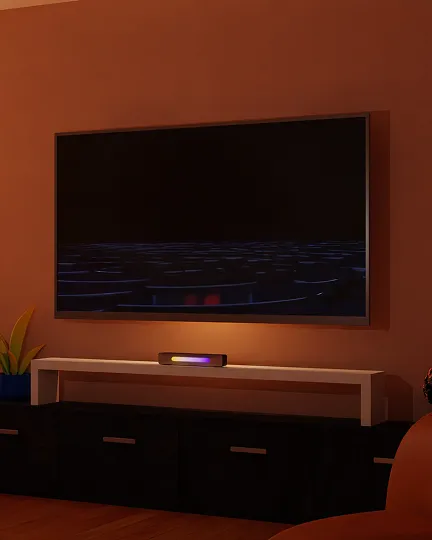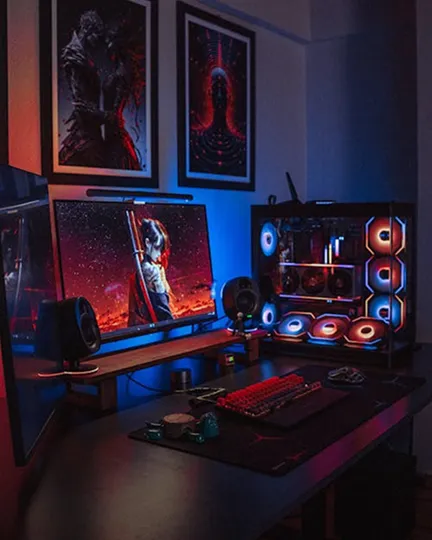

BEFOREAFTER
ProblemLow-res footage looks blurry on large screens.
AI PIXELLSharp on any screen.
Take low-res footage up to 16K — detail intact.
A non-generative algorithm restores new pixels naturally.
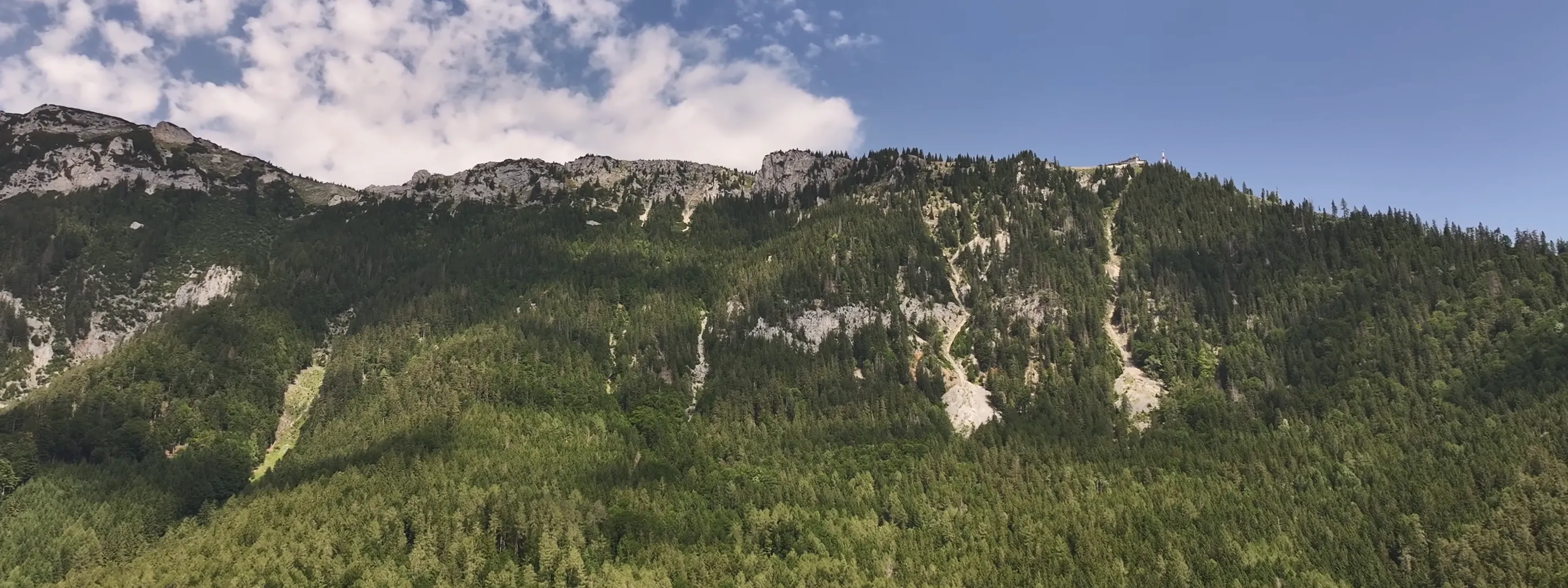 Resolution Up · Detail Restored
It's a resolution-expansion technique that raises a low-res video's resolution while filling the new pixels with precision.
A single tier of resolution can change a video's value dramatically.



Not simple upscaling — a non-generative AI trained on original detail restores naturally.
· Higher resolution but still blurry
· Detail smeared or lost
· Noise gets enlarged too
· Trained AI fills in detail precisely
· Noise and sharpness improved together
· Original color and tone preserved, no hallucination or distortion
AI handles the rest — automatically up to your target resolution.
Drag in your video or pull it from the cloud.
Analyzes your video and expands to the optimal resolution automatically.
Save in the format you want, or automate via API.
The greater the gap, the bigger the upscale impact.
For everyone who needs high-resolution video.
From SD to 16K — handles images the same as video.
Upscales SD-grade 480p video up to 16K — and up to 32K in On-premise environments.
Upscales not just video but also major image formats like JPG, PNG, and WebP.
On-premise deployment, custom models, and SLA guarantees available. Contact sales.
Up to 16K on desktop (AI PIXELL PRO), and up to 32K in on-premise environments.
AI PIXELL uses non-generative algorithms to analyze and restore the original pixels. It never invents detail that was not there, so the original colors and textures are preserved without hallucinations or distortion.
It is effective on low-resolution sources such as archive, CCTV, drone, and broadcast footage. It is widely used to remaster SD video up to 4K/UHD quality.
Yes. You can combine it with denoise, sharpness, and deinterlace — for example, cleaning up noise before upscaling and refining sharpness afterward.
Both are supported. Scale by 2x or 4x, or set a target directly — FHD, 4K, 8K, or 16K. The original aspect ratio and pixel aspect are preserved.
H.264 (AVC), H.265 (HEVC), VP9, and ProRes codecs with MP4, MOV, and MKV containers. At export you can set codec, bitrate, profile, and frame rate.
It depends on video length, target resolution, and GPU. It uses TensorRT acceleration on NVIDIA RTX GPUs — the higher the GPU tier, the faster it runs. No limits on count or length.
Yes. Queue multiple files for batch processing, or point a watch folder at it so new files are processed automatically with your preset options.
Start free now, or reach out about enterprise. Perpetual license $159.