
Upscale PixVerse anime video to 4K · 8K · 16K
Clean up the jaggies and color banding of PixVerse V4.5 anime and stylized footage with non-generative post-processing — up to 16K, without touching the original.
Where PixVerse video hits a quality ceiling
PixVerse specializes in anime and stylized output, but line art, flat-color regions and export resolution reveal its limits.
Line-art jaggies
Stylized line art shows shimmering aliasing along its outlines.
Flat-color banding
Gradients and solid backgrounds show visible color banding.
1080p output cap
PixVerse output mostly caps around 1080p, leaving detail short on big screens.
What AI PIXELL does
Real resolution increase
Not stretching — it restores detail up to 4K, 8K and 16K (max 16K).
Non-generative, original untouched
The AI never repaints. Only existing information is sharpened — no face or detail distortion.
Noise & artifact cleanup
Removes diffusion residual noise, compression blocking and frame flicker via denoise.
No length limit · one-time purchase
15 seconds or an hour, no limit. A lifetime license instead of a subscription.
The blur disappears,
real detail comes back
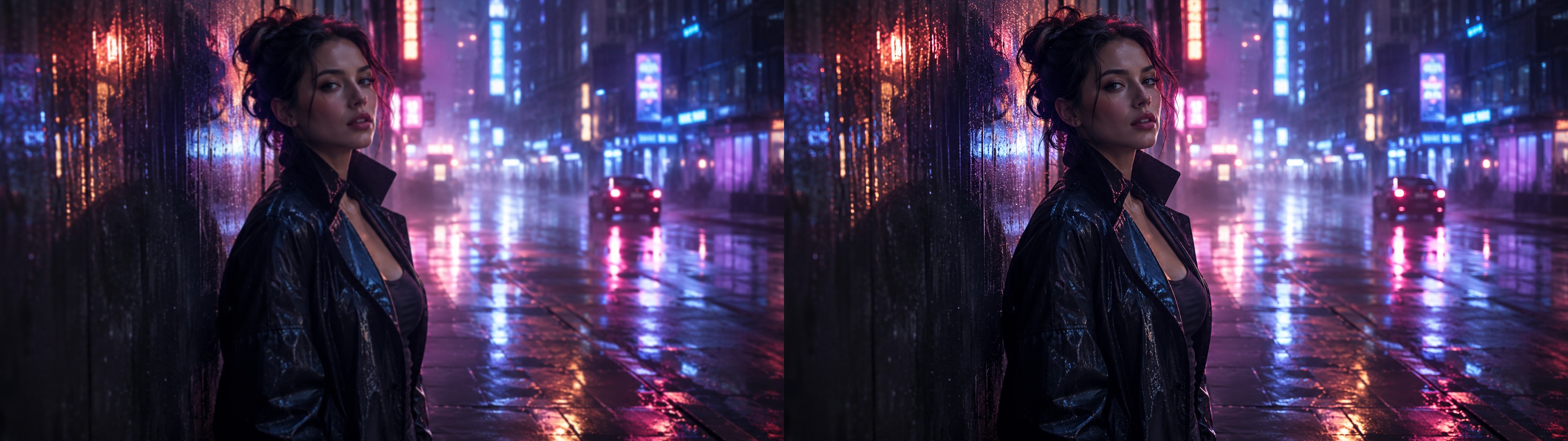
Lift native 1080p PixVerse anime footage to 4K and 8K — smoothing line art and color regions.
How it works
Generate
Make your video with your usual AI model.
Upload
Load the exported file into AI PIXELL.
Set & preview
Pick resolution and model, then preview the result.
Export
Export at 4K, 8K or 16K and publish anywhere.
Where does the “AI look” come from?
Diffusion models build video by removing noise step by step. Structural flaws that never get fully removed remain in that process — and that is exactly what reads as the “AI look.” AI PIXELL cleans up only those traces, non-generatively.
Residual noise at the last step
The noise schedule fails to drive SNR to zero at the final denoising step, so tone gets trapped in mid-brightness and contrast is flattened. (WACV 2024)
Error accumulating each step
Estimation error compounds across steps (exposure bias), collapsing detail and distorting texture — worse with fewer steps. (ICLR 2024·2025)
High-frequency detail loss
Generated in a compressed latent then upsampled, fine detail like pores, fabric weave and hair gets smeared.
Plastic texture
Denoising toward an “average skin” erases texture while over-sharpening edges, giving a synthetic, CGI-like look.
Inter-frame flicker
An image-trained VAE decoder introduces subtle inter-frame shimmer when turning latents back into pixels.
Suppressed real-footage grain
Smoothing frames to stop face jitter also suppresses the sensor grain of real footage, so it reads plastic on playback.
Sources: “Common Diffusion Noise Schedules and Sample Steps are Flawed” (ByteDance, WACV 2024) · Exposure Bias in Diffusion Models (ICLR 2024·2025)
Beyond PixVerse 4K — up to 8K and 16K
Anime short-form, merch or exhibition — export at the resolution you need.
Who it's for
Designers & video editors
Anyone finishing generative sources to delivery quality.
YouTubers & creators
Publish short- and long-form in 4K for a competitive edge.
Companies & brands
Teams outputting bulk AI ad/campaign clips at consistent quality.
Every creator
Anyone who wants to erase the AI look and make video feel real.
Frequently asked questions
Complete the last step of your PixVerse anime quality
Turn jaggy PixVerse output into 4K, 8K and 16K. Start post-processing with AI PIXELL now.