
Game footage, 4K without compression loss
Clean up the game clips and streaming VODs crushed by low-bitrate recording and re-compression with AI. Erase compression noise and upscale for a sharper picture.
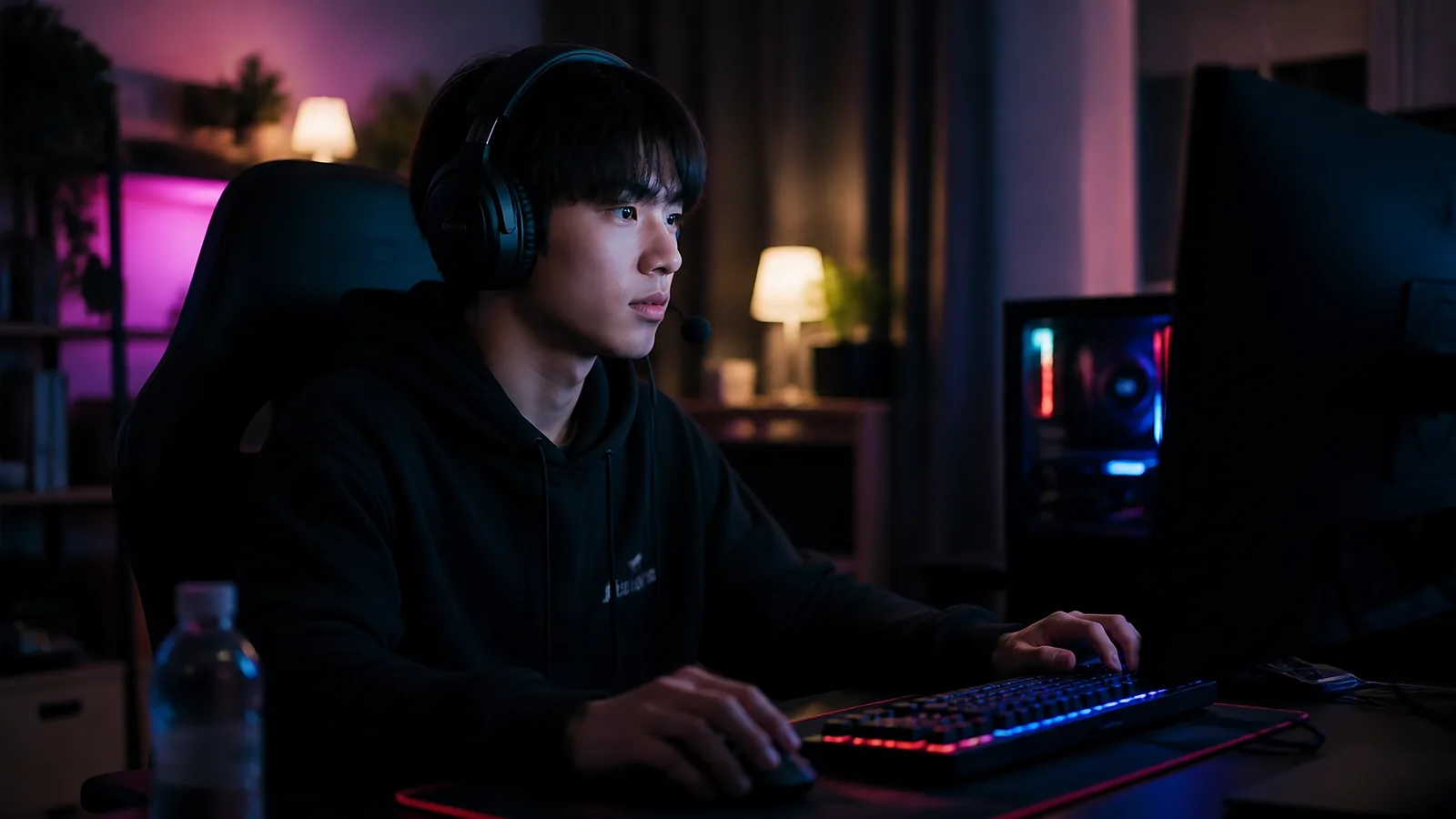

What quality problems does gaming · streaming footage have?
Common quality problems in this type of footage.
Low-bitrate compression noise
Low-bitrate recording and re-compression leave block noise and mush.
Fast-scene mush
Fast-moving scenes lose detail hardest to compression.
Upload re-compression
Platform uploads compress again, degrading quality further.
Upscale, denoise, and sharpen in one pass
Non-generative AI that never fabricates the original — it strips noise, revives detail, and restores clarity up to 16K.
A great fit for footage like this

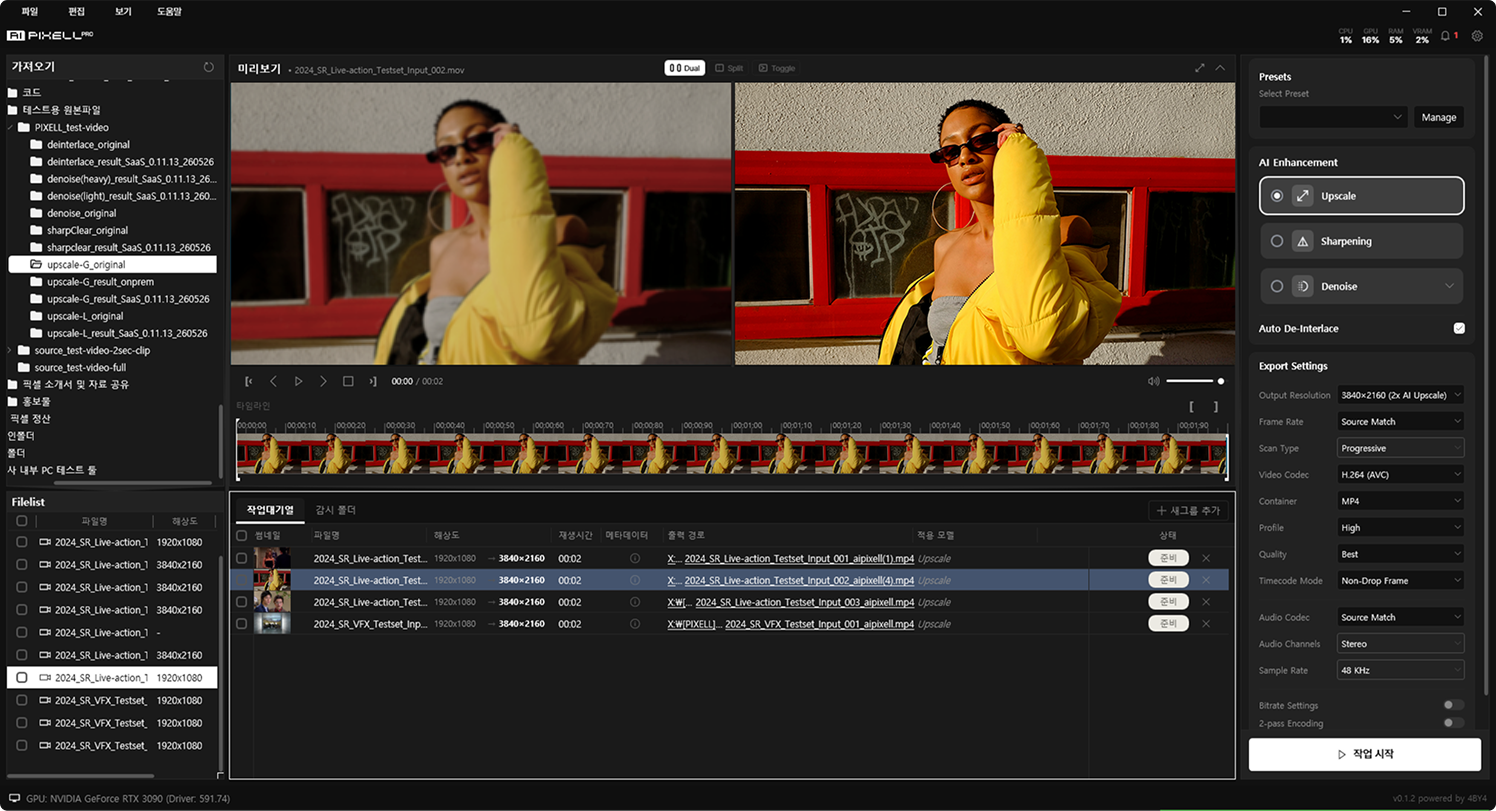
Frequently Asked Questions
Use AI PIXELL's non-generative upscaling to expand your gaming · streaming footage up to 16K. Apply noise removal, sharpening, and de-interlacing together to make it sharper without harming the original — all processed on your PC with no upload.
Non-generative AI enhancement software like AI PIXELL is the right fit. Upscaling (4K/8K/16K), noise removal, sharpening, and de-interlacing run in one program, so you can finish your gaming & streaming videos at high quality without hopping between tools.
Yes. Even SD and 480i footage from old camcorders, videotapes, and low bitrates is restored and remastered for modern screens with denoise → upscale → sharpen. Blurry gaming · streaming memories come back crisp.
Yes. Denoise handles low-light noise, sharpening clears the blur, and de-interlace removes the combing of old interlaced footage. Everything that drags quality down is stripped in one pass for clean footage.
AI PIXELL is non-generative — it never fabricates detail that wasn't there. It only restores existing information, so faces, text, and textures never drift through hallucination or distortion, keeping the feel of your precious originals.
Most sources are supported — smartphones, action cams, mirrorless, camcorders. Load H.264, H.265 (HEVC), VP9, and ProRes codecs in MP4, MOV, and MKV containers as-is.
Yes. Everything runs on-device on your PC with no cloud upload, so personal footage never leaves your machine. Work on your originals with no watermarks or size limits.
Yes. With the 14-day free trial you can apply it to your own footage with no watermark, resolution, or count limits, and decide after seeing the results.
Check other video themes too
Make your gaming · streaming footage sharper — today
On your PC, no upload. See the results yourself with a 14-day free trial.