
Insta360 footage, sharp even after reframing
Shooting in 360 and cropping to your framing (reframing) lowers effective resolution and makes noise stand out. Finish your final cut clean with AI PIXELL Denoise + Upscale.
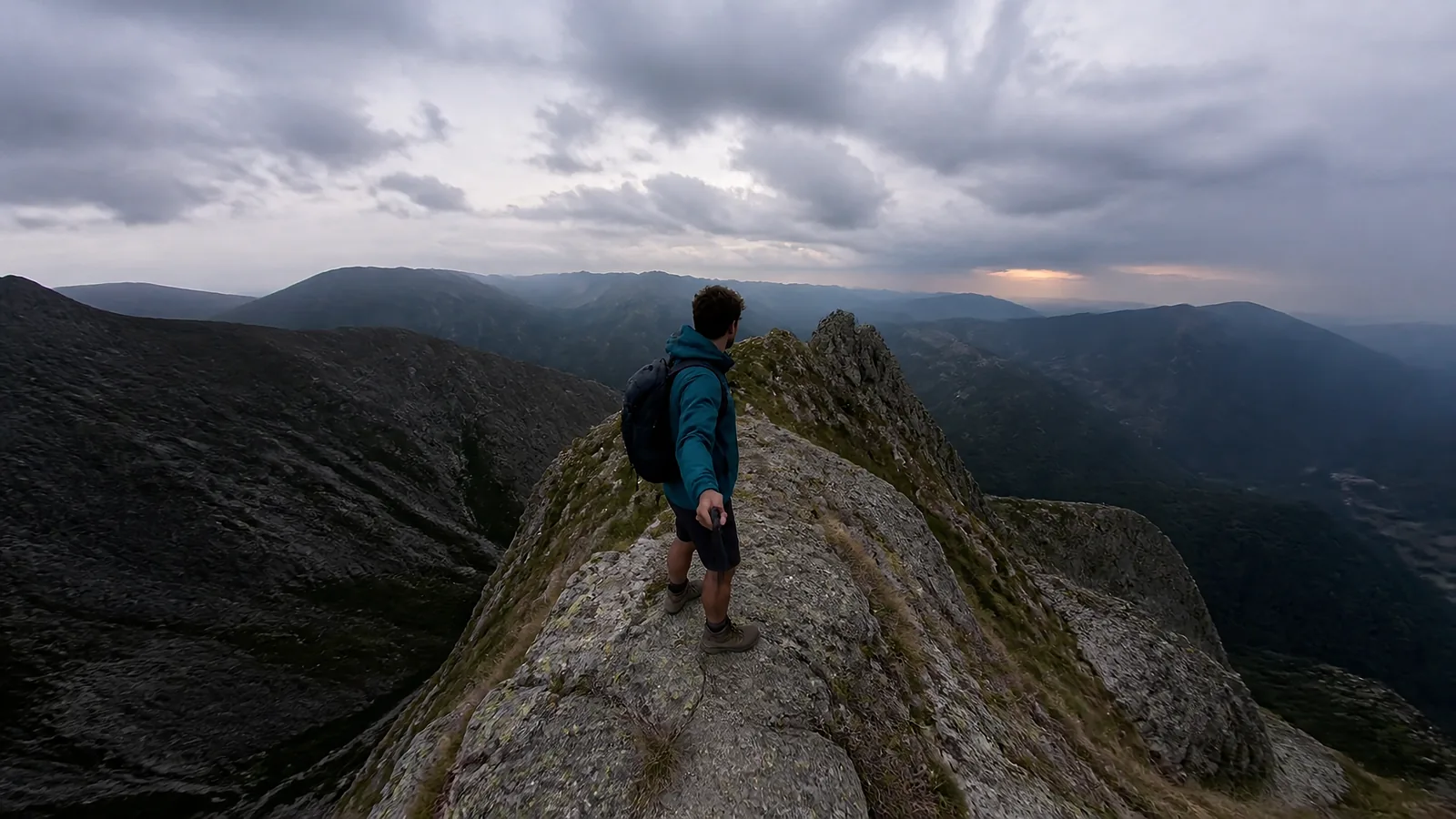
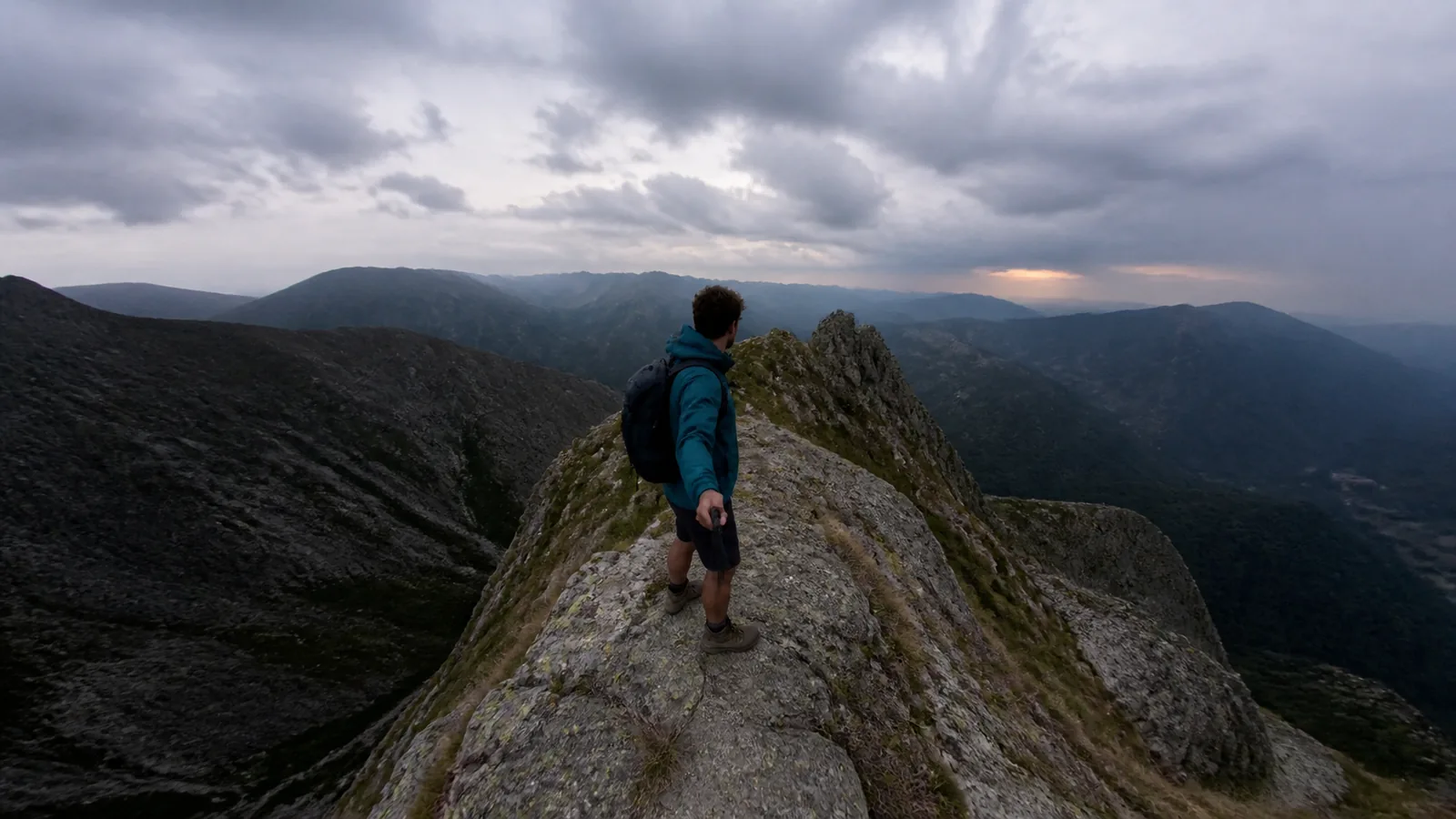
Where does Insta360 X4 footage get noisy?
Where noise shows up most, given this model's sensor and lens characteristics.
Dual small-sensor low-light noise
Two small 1/2-inch-class sensors are vulnerable to noise in dark environments.
Reframing = lower effective resolution
Cropping just part of the 360 view sharply reduces resolution, making noise and blur visible.
Stitching-seam artifacts
Detail and noise become uneven along the seam where the two lenses are joined.
ISO and exposure noise, gone in one pass with AI Denoise
It analyzes neighboring frames together to strip only the noise while preserving detail — a non-generative approach that never fabricates the original.
Especially effective for these shots
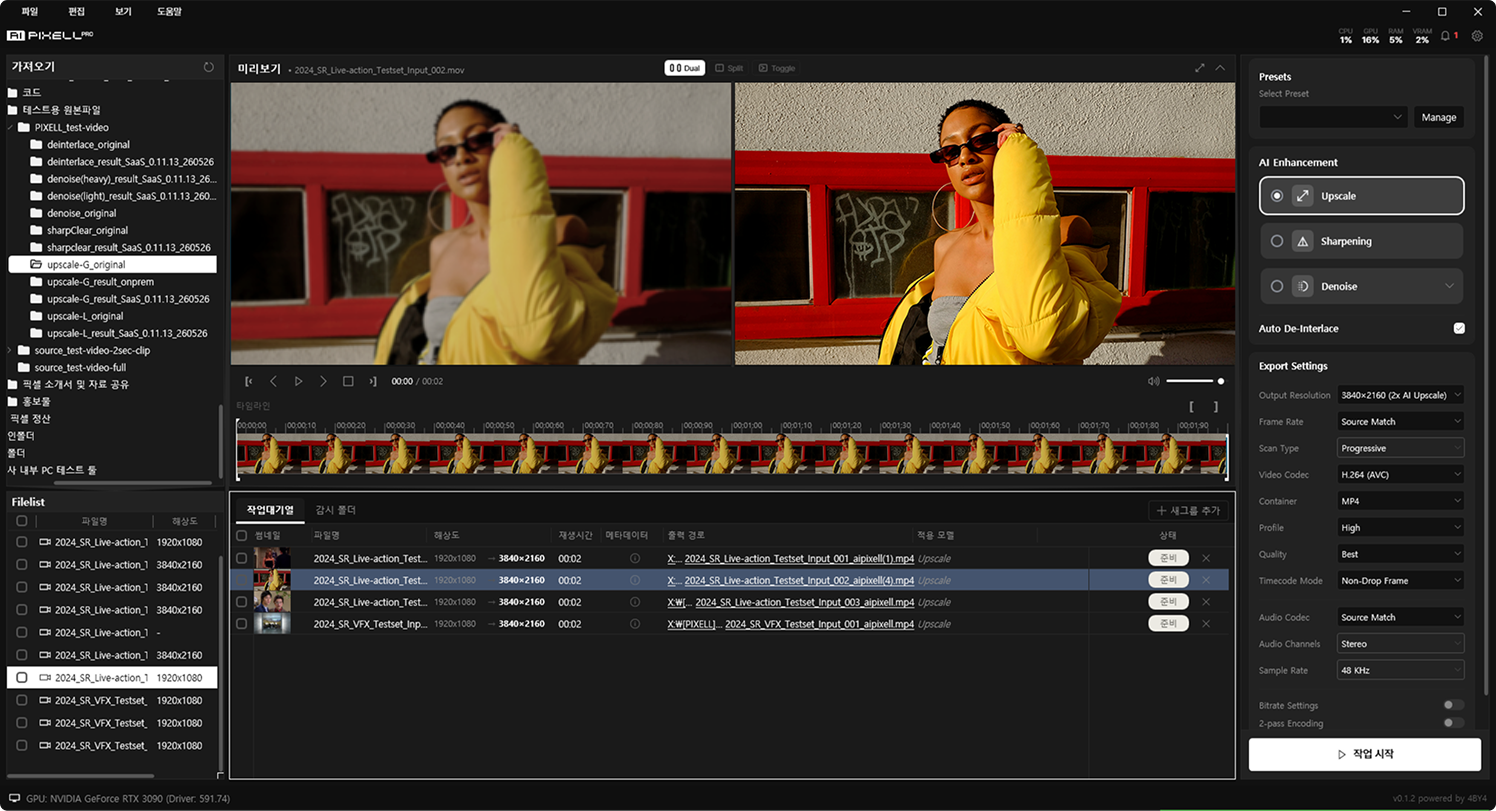
From noise removal to 4K upscaling, in one program
Upscale your denoised Insta360 X4 footage up to 16K and export to YouTube, social, or delivery specs. Apply denoise, sharpening, and de-interlace together to finish strong.

Frequently Asked Questions
Use AI PIXELL Denoise. It analyzes neighboring frames to erase the low-light, high-ISO noise and compression artifacts of Insta360 X4 footage in one pass. The non-generative approach never re-creates the original, so there is no detail damage or distortion — and it all runs on your PC with no upload.
For models like the Insta360 X4 that shoot with small sensors and in low light, non-generative AI enhancement software like AI PIXELL is the right fit. Denoise, upscale (4K/8K/16K), sharpening, and de-interlace run in one program, so you can finish Insta360 X4 footage without hopping between tools.
Yes. It cleans up noise from high ISO — and even noise amplified by lifting brightness in the edit. It suppresses grain and color noise in dark areas while keeping detail and texture intact.
Yes. After removing noise, the same program upscales up to 16K. Lift your Insta360 X4 originals to crisp 4K or 8K and export for YouTube, Instagram, or delivery.
AI PIXELL is non-generative — it never fabricates detail that wasn't there. It only restores and refines existing information, so faces, text, and textures never drift through hallucination or distortion. Your Insta360 X4 footage keeps its original feel while the quality goes up.
Yes. Everything runs on-device on your PC with no cloud upload, so unreleased and personal footage never leaves your machine. Work on your originals with no watermarks or size limits.
Most containers like MP4, MOV, and MKV, plus H.264, H.265 (HEVC), VP9, and ProRes codecs. Load files straight from your Insta360 X4 and export again in whatever spec you need.
Yes. With the 14-day free trial you can apply it to your Insta360 X4 footage with no watermark, resolution, or count limits, and decide after seeing the results.
Make your Insta360 X4 footage clean — today
On your PC, no upload. See the results yourself with a 14-day free trial.