
Choppy motion,
made smoother
Instead of duplicating frames, AI generates the in-between frames that would have been there.
Interpolates choppy footage with denser frames for smooth motion.


What is Frame Interpolation?
A feature where AI generates and inserts the in-between frames 'that would actually have existed at that moment' between a video's frames, raising the frame rate and smoothing out stutter.
Denser frames, continuous motion
Generated in-between frames fill the gaps between sparse frames, bringing choppy movement back to continuous motion.
Distortion-free interpolation, even in fast motion
Estimates the direction and speed of motion to calculate in-between positions, minimizing smearing and overlap even in intense movement.
Minimal flicker during playback
As frame gaps narrow and motion becomes continuous, the stutter and flicker typical of low-frame-rate video are greatly reduced.
Slow motion without high-speed cameras
Interpolate frames densely and play back slowly to create stutter-free slow motion — no special equipment needed.
Not duplicated — newly generated in-between frames
Using the same frame twice or blending two frames leaves afterimages. A non-generative interpolation approach that analyzes the motion between neighboring frames and draws the scene in between anew.
Frame Duplication · Blending
Increases the frame count by repeating the same frame or simply overlaying two frames. Motion still stutters, and afterimages and ghosting remain where frames overlap, smearing the edges.
AI PIXELL Frame Interpolation
Analyzes the motion (optical flow) between neighboring frames, calculates where the subject would have been in between, and generates new in-between frames. Motion flows naturally with no afterimages.
Upload · Set target fps
Upload your video and set the frame rate you want (e.g., 60fps) or a slow-motion speed.
AI Motion Analysis & Frame Generation
Estimates the motion between neighboring frames, then generates and densely inserts the in-between frames.
Download
Export at the higher frame rate in the format you want, or plug straight into your workflow.

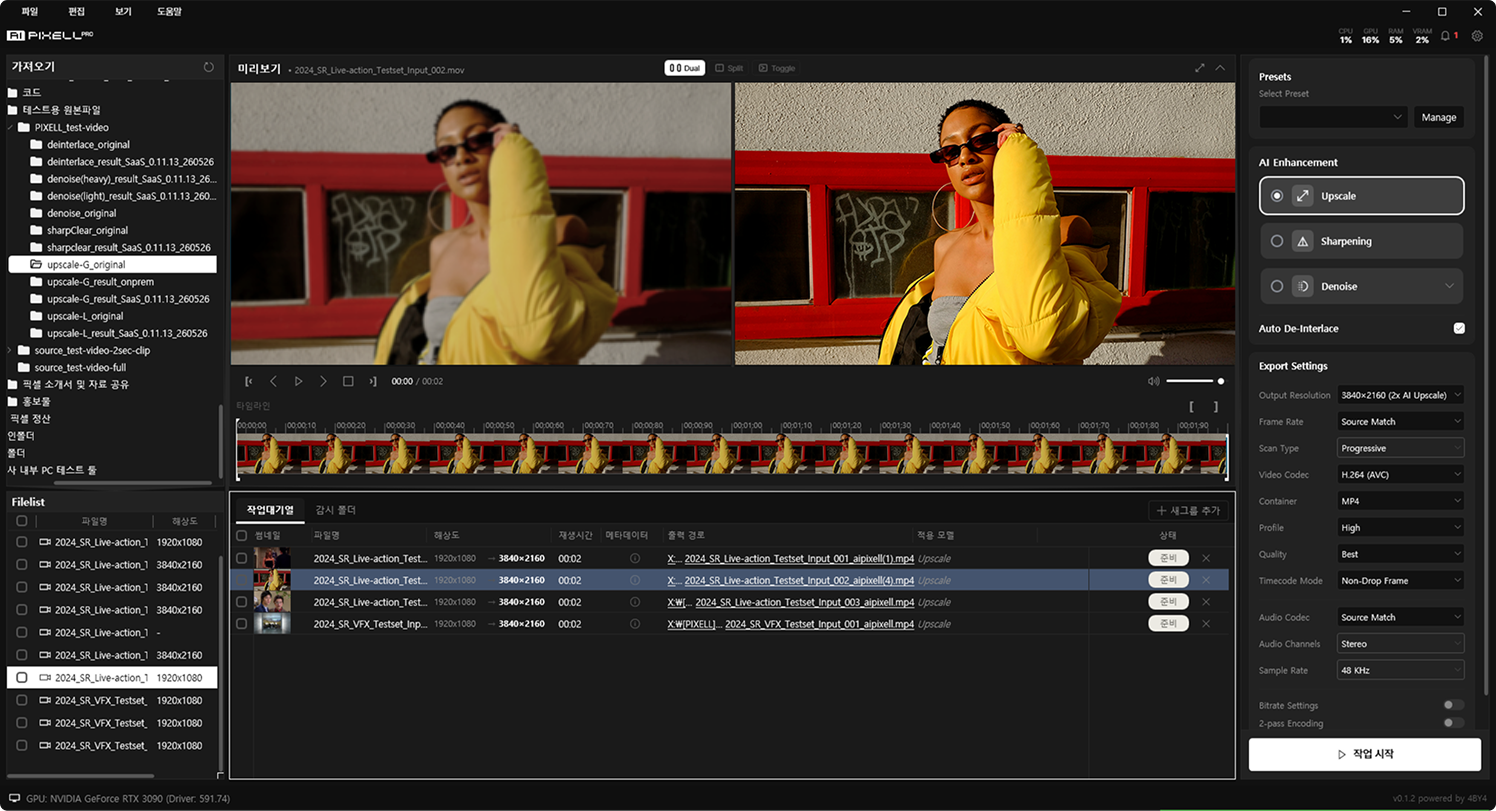
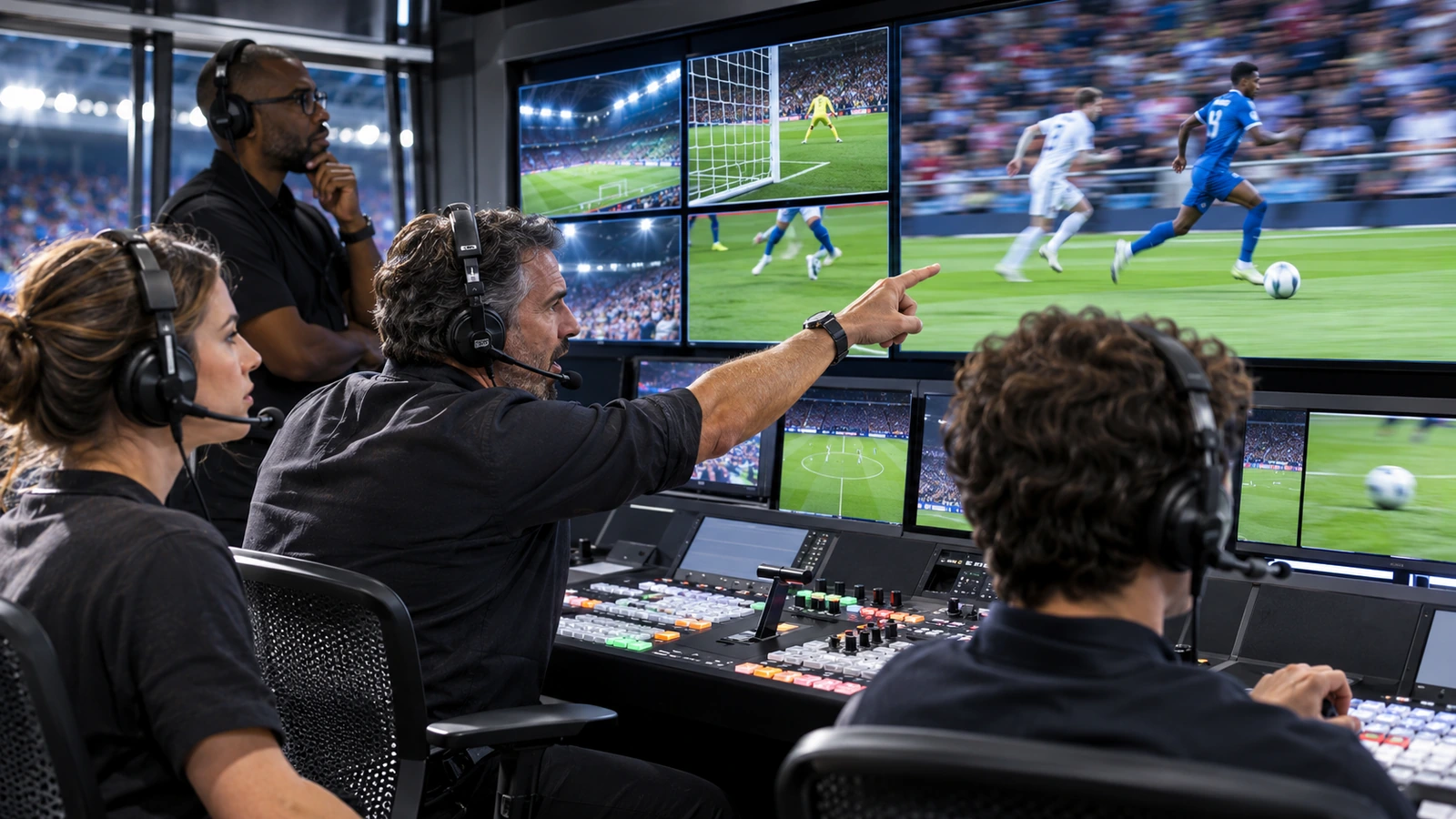
Effective on footage like this
The more motion your footage has — or the fewer frames — the more clearly the interpolation shows.

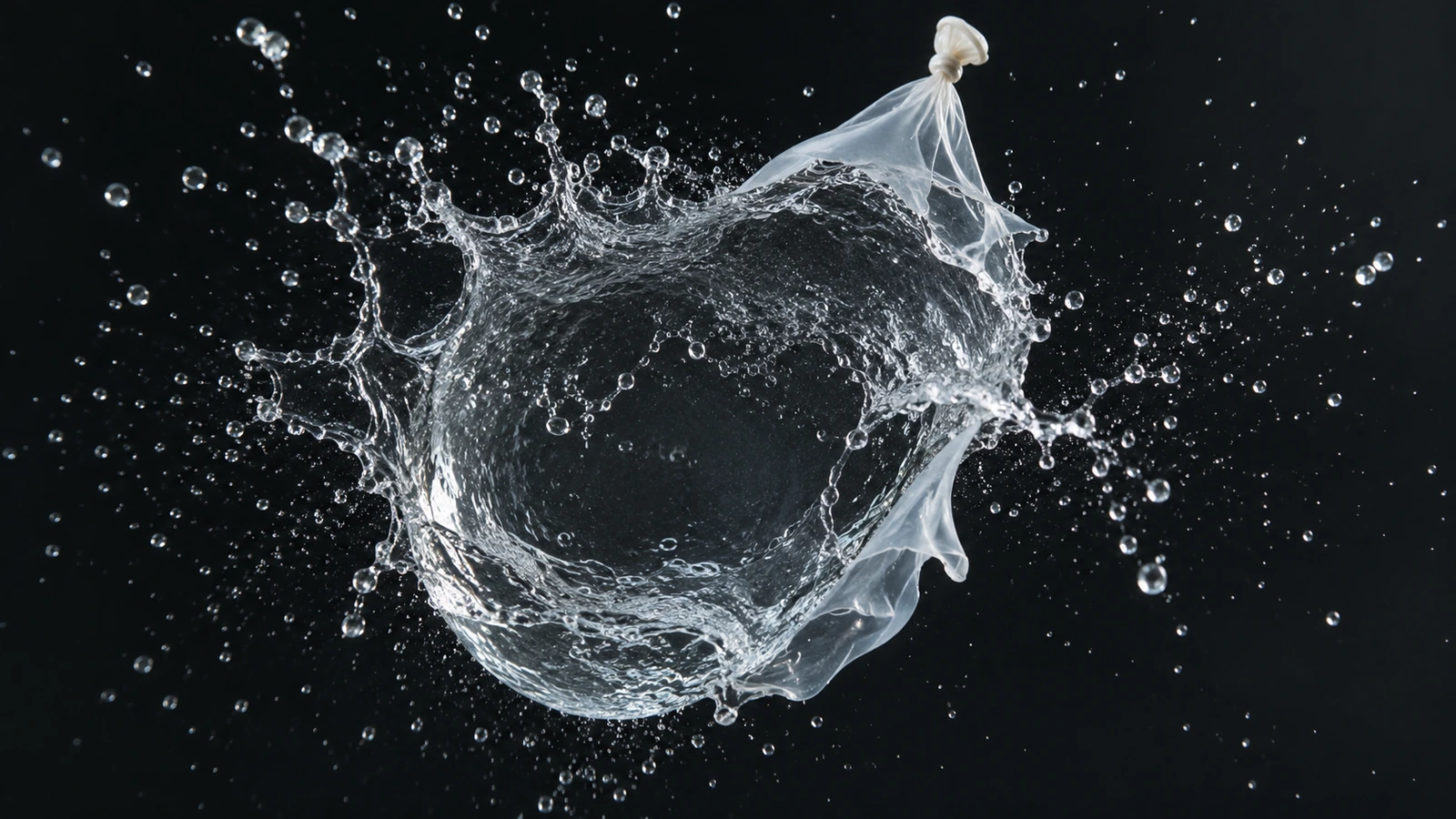

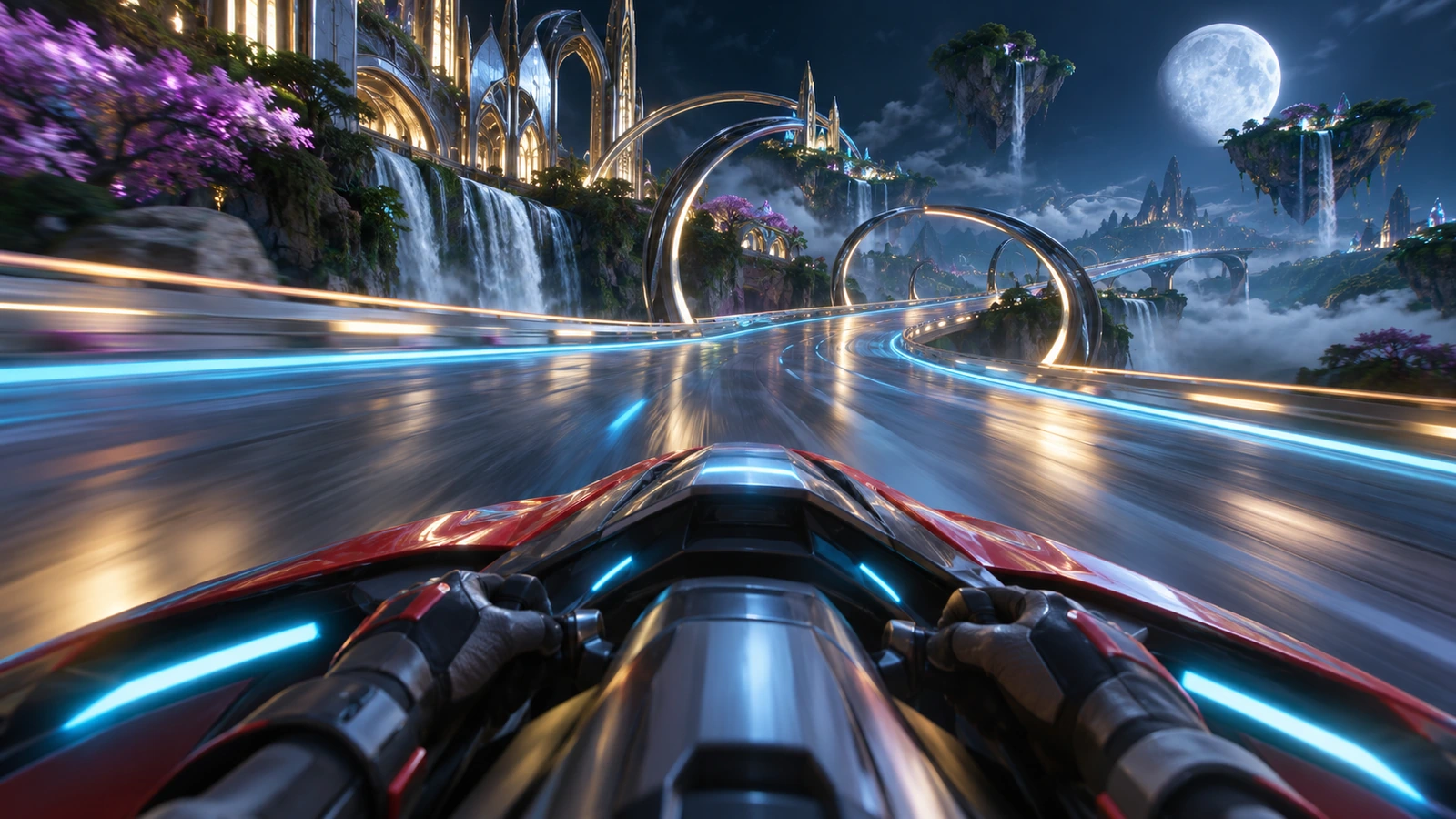
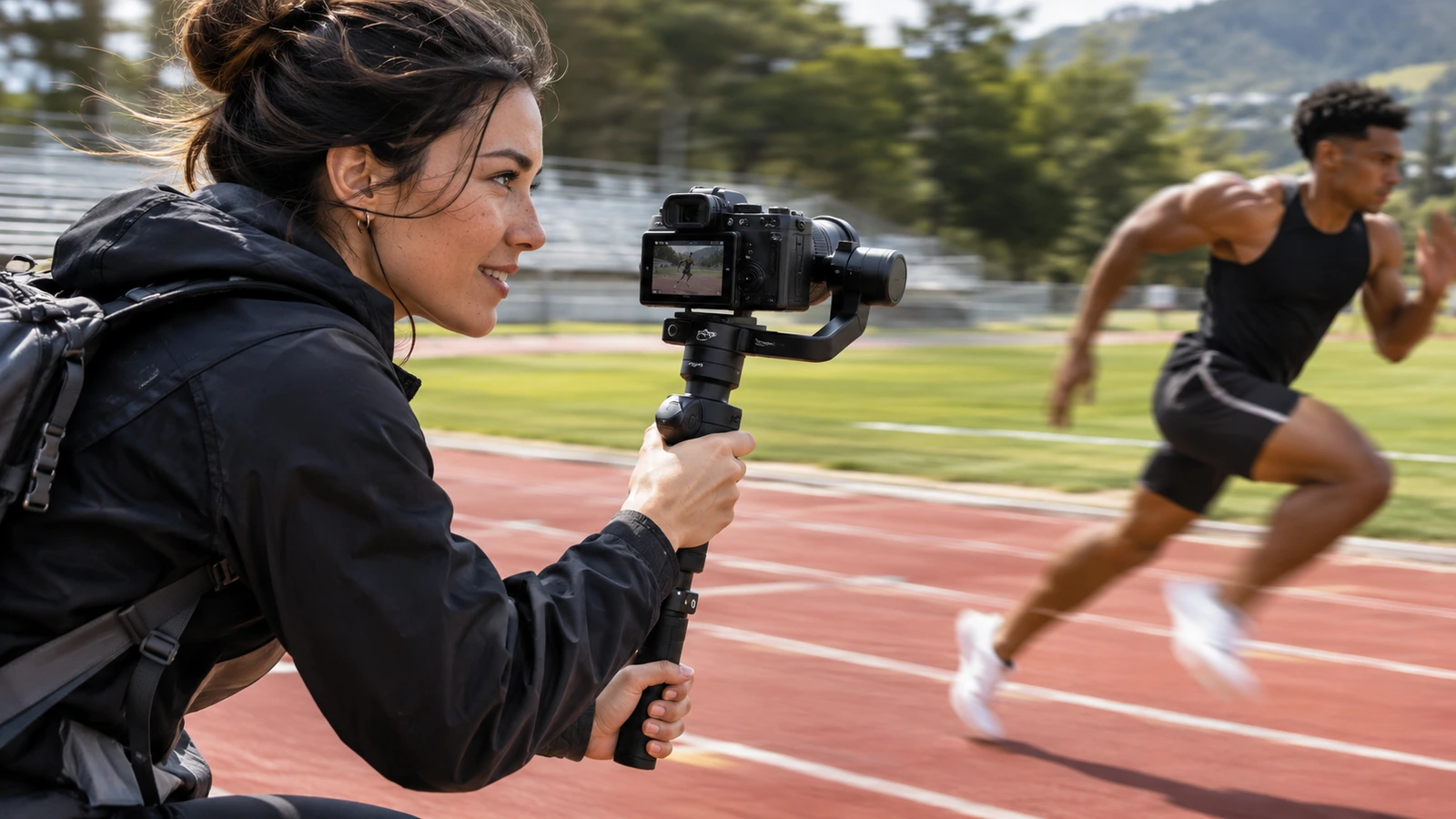
Who is this for?
For everyone whose video work depends on smooth motion.


Spec
Production-ready specifications.
No hallucination or distortion
set freely
in-between frame generation
finished in a single click
Included in the Windows desktop software. Official license $159
Frequently asked questions
You can raise 24fps or 30fps footage to 60fps, 120fps, and more. Set a target frame rate and AI generates the in-between frames needed to fill the gaps. The higher the multiple over the original, the smoother the playback.
No. Frame duplication or blending leaves afterimages and ghosting. AI PIXELL analyzes the motion (optical flow) between neighboring frames and generates new in-between frames of what 'would actually have been there,' so motion flows naturally.
Yes. Interpolate frames densely and play them back slowly to create smooth, stutter-free slow motion. You can achieve slow-motion effects from regular footage without high-speed cameras.
It estimates the direction and speed of motion to calculate in-between positions, minimizing smearing and overlapping distortion even in fast pans and intense movement. Compared to duplication or blending, edges and outlines stay much crisper.
Yes. As the gaps between frames narrow and motion becomes continuous, the stutter and flicker typical of low-frame-rate video are greatly reduced. The difference is especially noticeable in scenes like pans and scrolling captions.
Yes. Raise resolution with upscale and frame rate with frame interpolation together to remaster old, low-quality, low-frame-rate footage into smooth, high-resolution, high-frame-rate video.
H.264 (AVC), H.265 (HEVC), VP9, and ProRes codecs with MP4, MOV, and MKV containers. At export you can set the target frame rate, codec, and bitrate.
It runs with TensorRT acceleration on NVIDIA RTX GPUs, with no limits on count or length. Queue multiple files for batch processing.
Watch choppy motion flow smoothly
Start free now and interpolate your footage with denser frames.