
Flat textures,
refined and natural
Brings out even the finest details, crisply.
Lifts texture sharpness more gently and delicately than sharpening.


What is Enhance?
Unlike sharpening, which sets strong outlines, Enhance is an enhancement model that gently and delicately lifts the sharpness of fine detail and texture to restore natural-looking texture.
See the difference
Smeared fine texture comes back delicately. Never overdone — just more natural.






Delicate and natural
We don't imagine and paint in texture that wasn't there. A non-generative approach that analyzes only the fine information in the original and gently lifts sharpness.
Sharpening means 'crispness'
Strongly sets outlines and edges for eye-catching sharpness. Effective for subtitles and product lines that need crispness, but the stronger it gets, the more artificial textures can look.
Enhance means 'delicacy'
Gently lifts the sharpness of fine detail and texture while improving noise suppression. When you need natural delicacy more than crispness, it's another option that complements sharpening.
Upload
Drag in your video or image, or pull it from the cloud.
AI Analysis & Enhancement
Analyzes fine texture, suppressing noise while delicately lifting only the sharpness.
Download
Save in the format you want, or plug straight into your workflow.

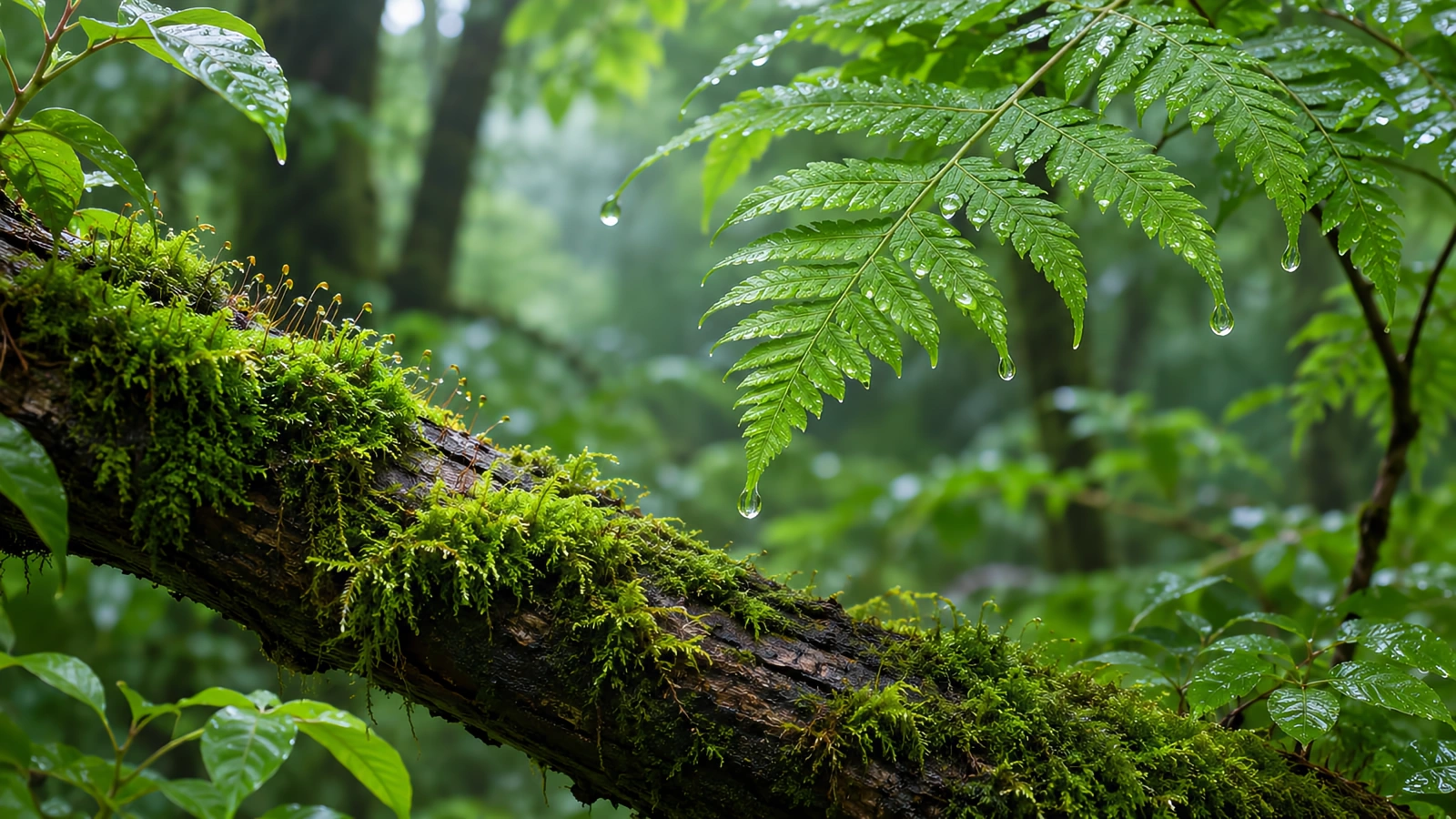
Effective on footage like this
The more fine texture matters in your footage, the more clearly the difference shows.



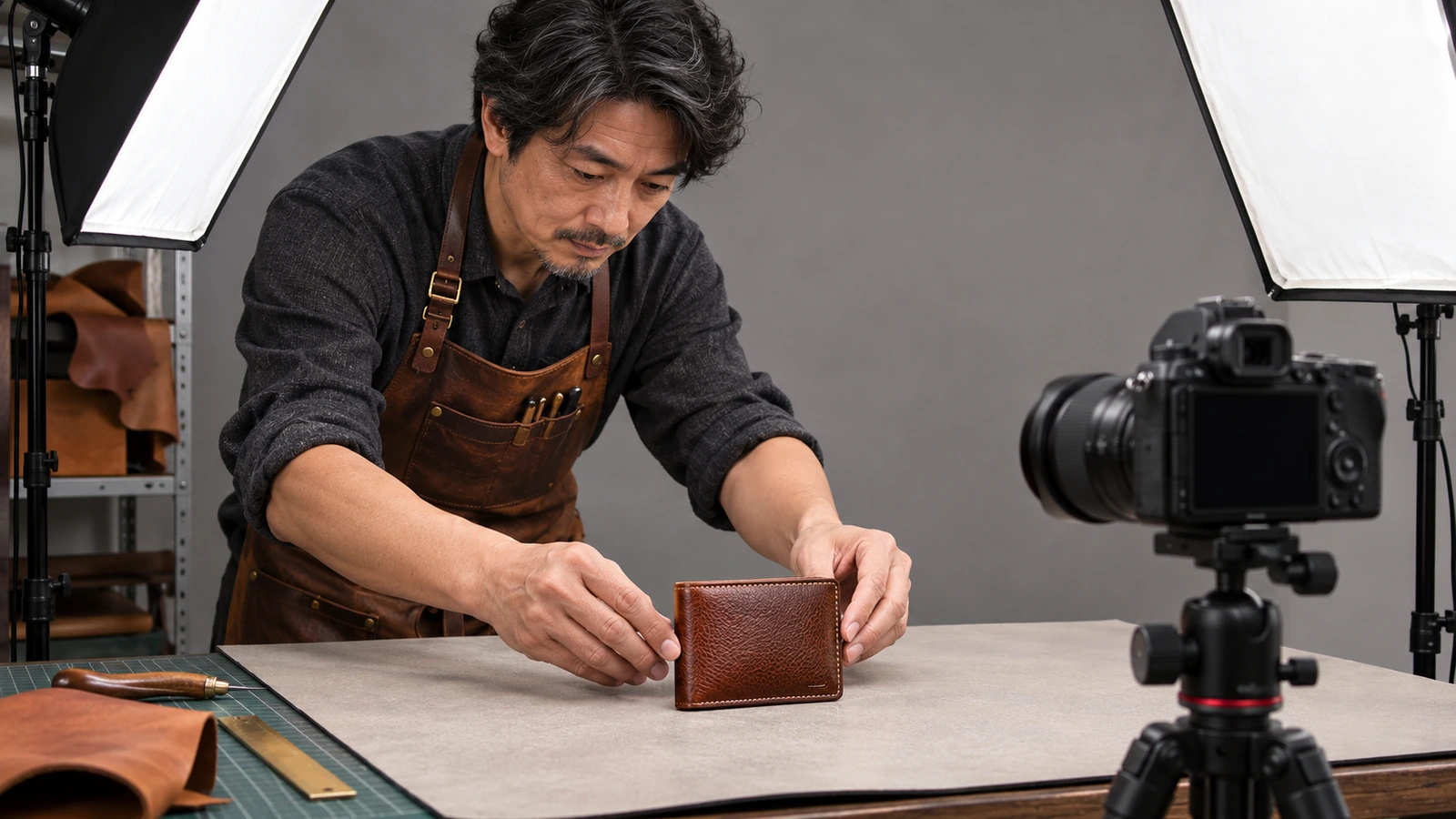
Who is this for?
For everyone working with texture- and detail-critical video.



Spec
Production-ready specifications.
No hallucination or distortion
delicately enhanced
during enhancement
finished in a single click
Included in the Windows desktop software. Official license $159
Frequently asked questions
Sharpening boldly emphasizes outlines and edges so they stand out. Enhance works more gently and delicately, lifting the sharpness of fine detail and texture to restore natural-looking texture, while also improving noise suppression. They aren't substitutes for each other — they're complementary models with different purposes.
Yes, you can use them together. In general, apply denoise → upscale → enhance to refine texture delicately, then add a light touch of sharpening at the end when you want outlines to stand out more. Combine them to suit your footage.
Enhance is non-generative — it doesn't imagine and paint in detail that wasn't there. It delicately lifts only the fine information present in the original, so results stay natural, without overdone texture or hallucination.
Enhance applies improved noise suppression so that noise isn't amplified along with detail as it's lifted. For heavily noisy footage, we recommend applying denoise first, then enhance.
It is especially effective on footage that needs delicacy more than crispness — footage where fine textures like skin, fabric, and nature matter, uploads whose texture has been smeared by compression, and sources that look flat.
H.264 (AVC), H.265 (HEVC), VP9, and ProRes codecs with MP4, MOV, and MKV containers. At export you can also set codec, bitrate, and profile.
It runs with TensorRT acceleration on NVIDIA RTX GPUs, with no limits on count or length. Queue multiple files for batch processing or automate with watch folders.
Watch flat textures come alive in fine detail
Start free now and naturally bring out the fine detail in your footage.