
Soft edges,
crisply restored
Make edges and detail in soft footage clear.
AI analyzes blurry edges, text, and texture, restoring them sharply.
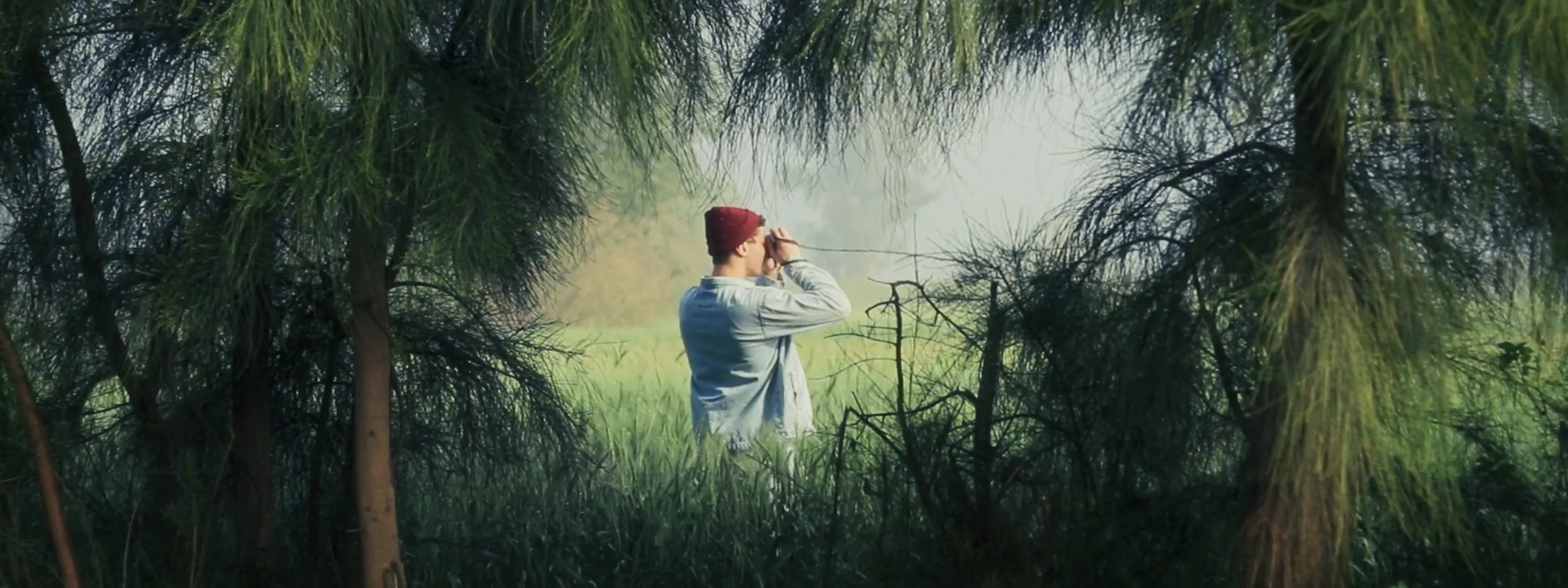
What is Sharpness?
A sharpness-enhancement feature where AI analyzes blurry edges, text, and texture in video and images, and restores them crisply.
See the difference
Blurry edges turn crisp. Sharpening edges and detail takes a single scene to show.

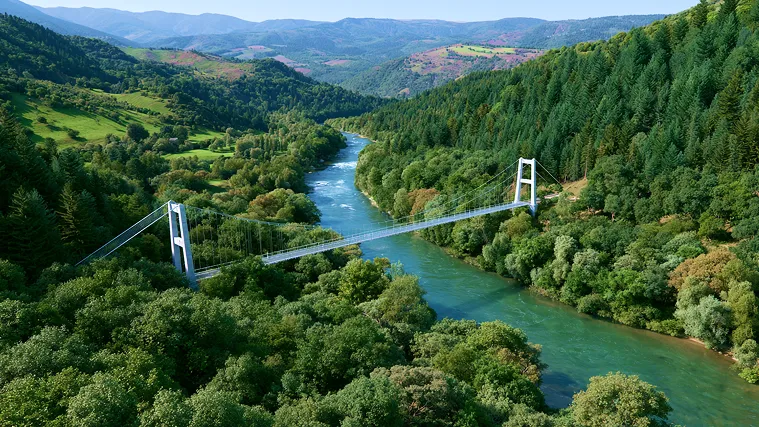
Blurry edges come back sharp
Blurry edges undercut the polish of your video. Sharpness strengthens the edges with precision, restoring every line crisply.

Subtitles and text read clearly
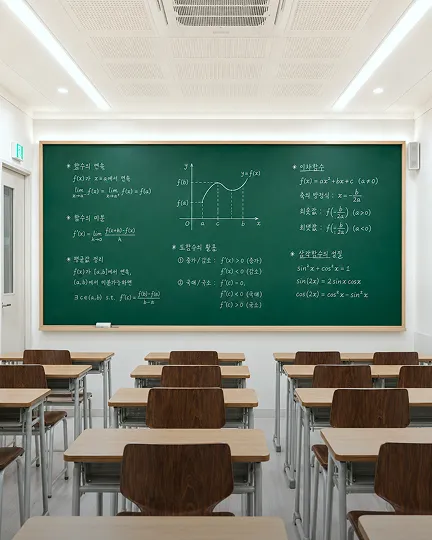
Restores readability of subtitles and text that have been smudged. Especially effective for text-heavy content like news, lectures, and presentations.
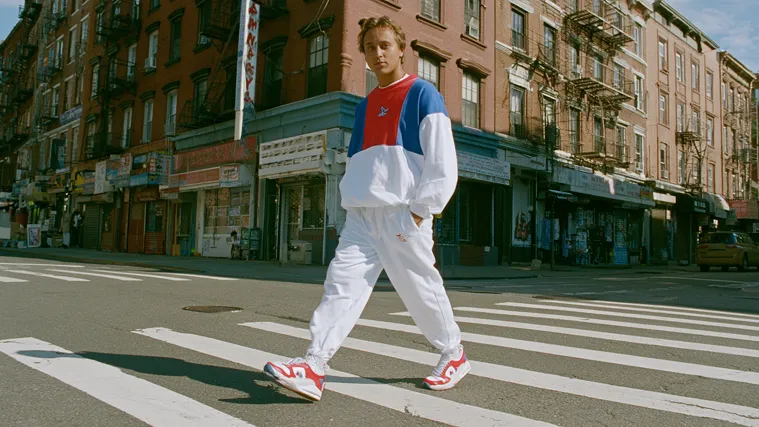
Natural, consistent sharpness
Over-correction looks awkward and artificial. Sharpness keeps the original's mood while bringing only the detail to life naturally.
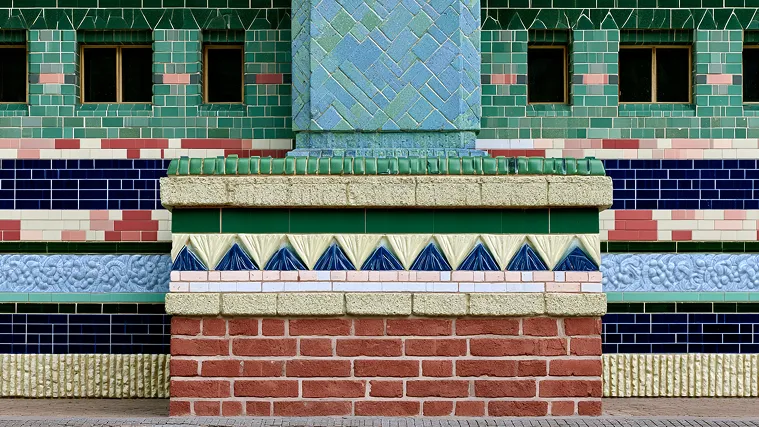
Done in one click — even the first time
Pro correction tools have a steep learning curve. Sharpness produces crisp results with a single click — no complex settings.
Naturally sharp
We don't over-correct into an artificial look. A non-generative approach that analyzes edges, text, and texture separately and strengthens only the regions that need it.
Traditional Sharpening
Boosts the whole image uniformly. Edges as well as noise get emphasized — leaving an artificial, harsh look and making fine region-by-region tuning difficult.
AI PIXELL Sharpness
Analyzes edges, text, and texture separately and applies a natural strength to each region. It doesn't invent empty regions, so results stay consistent and stable.
Upload
Drag in your video or image, or pull it from the cloud.
AI Analysis & Restoration
Analyzes edges and text, restoring sharpness naturally without over-correction.
Download
Save in the format you want, or plug straight into your workflow.
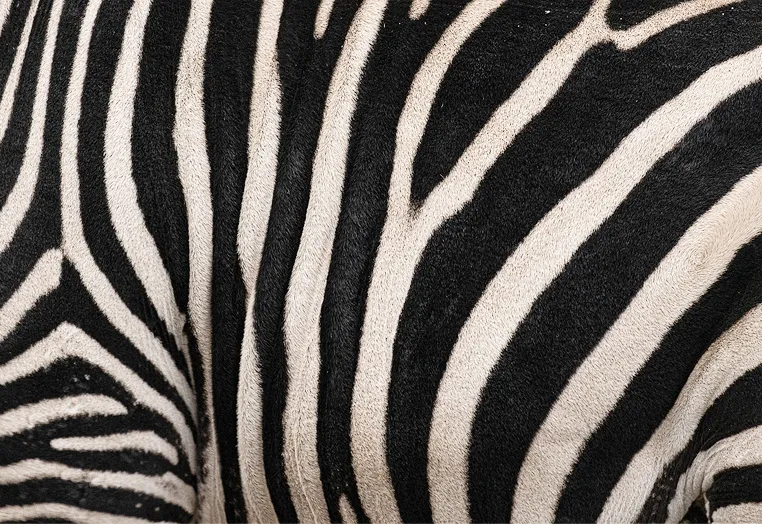
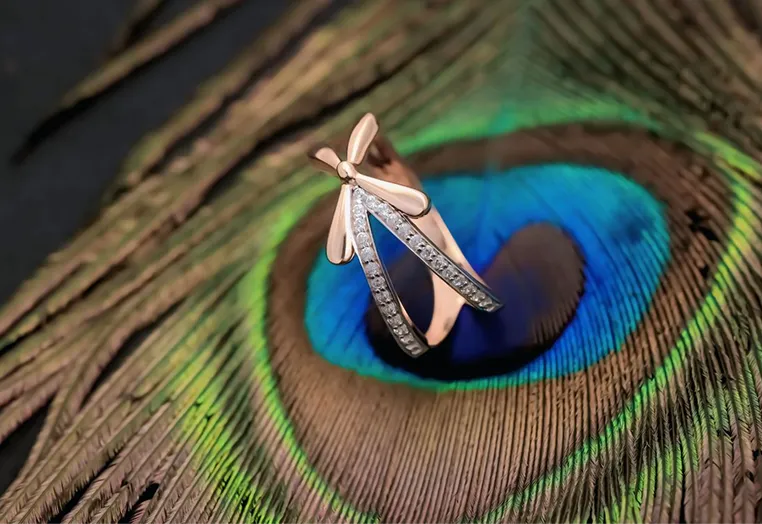
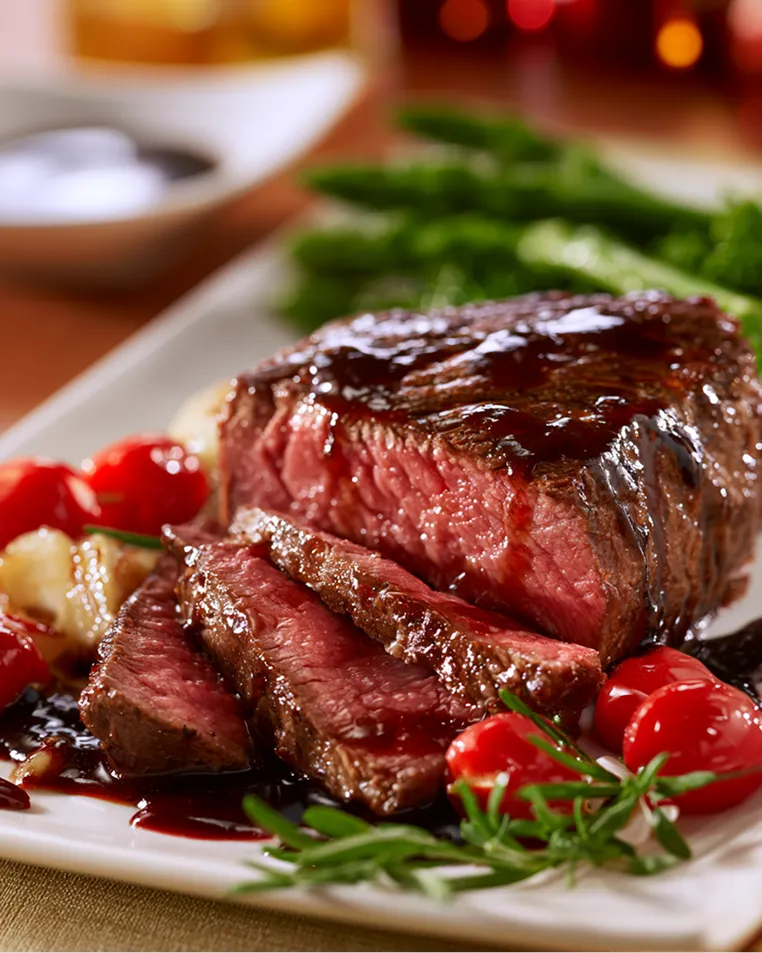
Effective on footage like this
In these situations, the difference in detail stands out more.
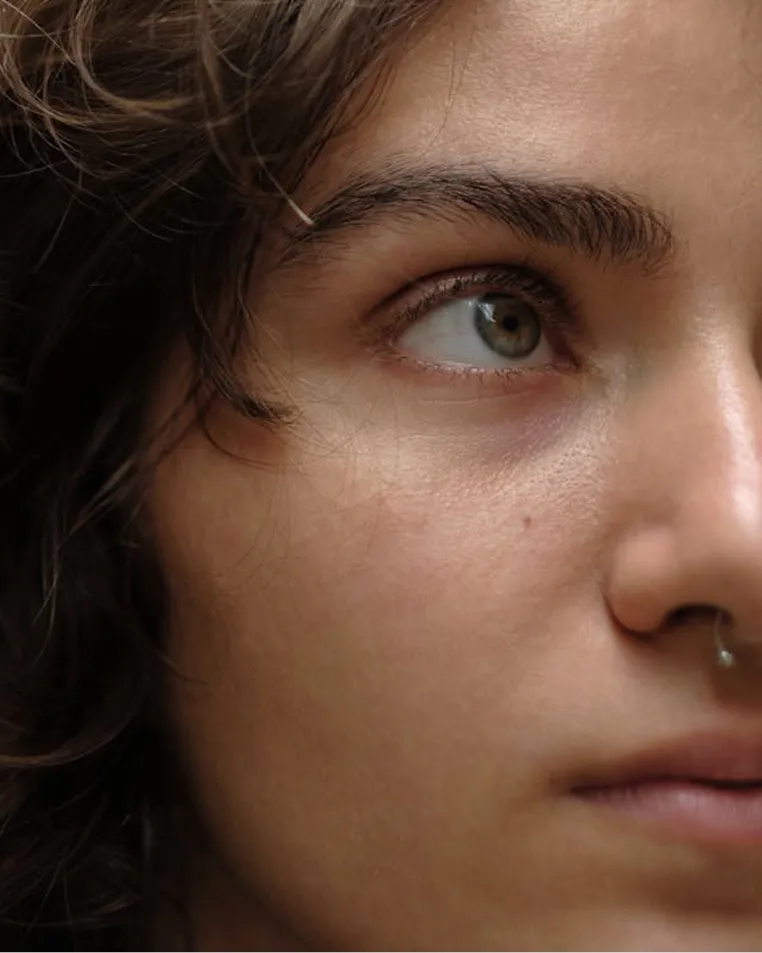
Who is this for?
For everyone working with detail-critical video.

Spec
Production-ready specifications.
No hallucination or distortion
analyzed separately
supported
finished in a single click
Included in the Windows desktop software. Official license $159
Frequently asked questions
Edges, text, and textures are analyzed separately and each region receives a different intensity, so sharpness is restored naturally without over-processing.
Yes. Text regions are recognized separately and their legibility is restored. It works well on blurred subtitles, product labels, and writing on boards.
It suits sources that lack overall sharpness — slightly out-of-focus shots, footage shot with soft lenses, and uploads blurred by compression.
In general, applying denoise, then upscale, then sharpness yields the crispest results without amplifying noise.
Watch blurry edges turn crisp
Start free now and restore the detail of your footage crisply.