
Noise-free quality,
detail brought back to life
Tame coarse grain while keeping the original's sharpness.
Non-generative AI denoise that surgically removes low-light and compression noise.
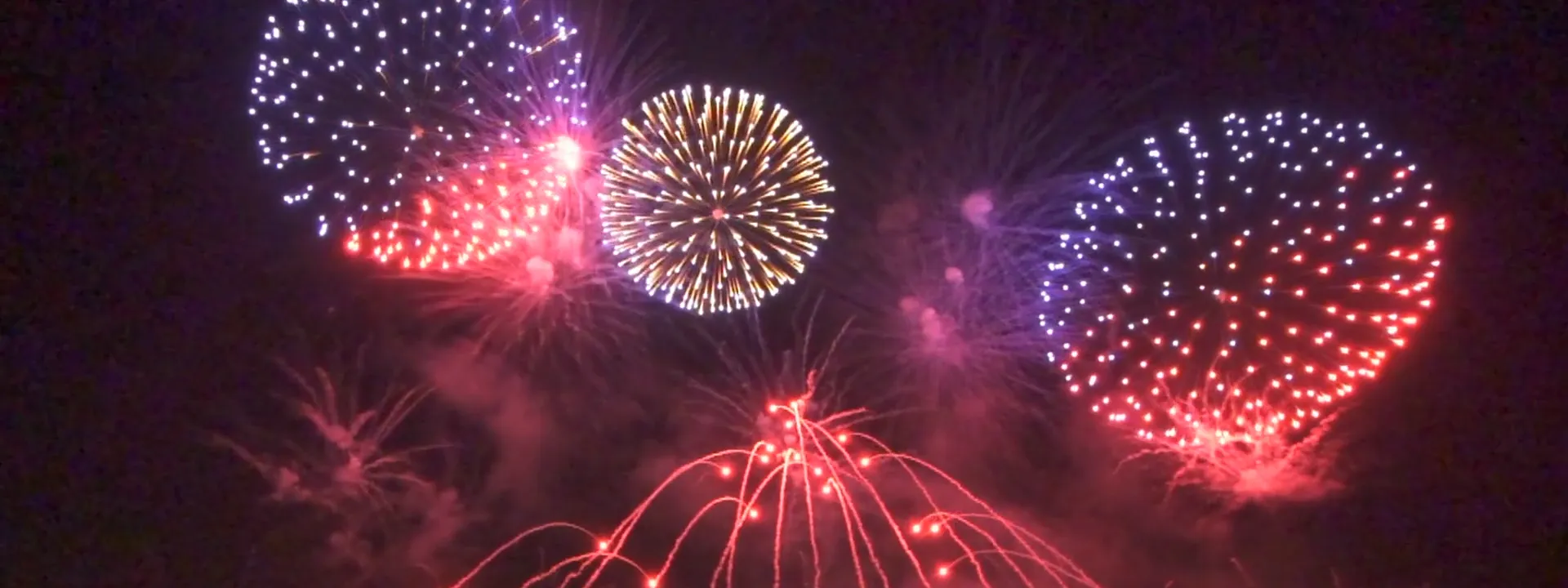 Noise Removed · Detail Restored
What is Denoise?
A quality-improvement technique that tames coarse grain while preserving the original's detail.
Denoise surgically picks out unwanted grain from your video,
so the original detail stays intact.
Why you need denoise
Noise looks like a small problem — but it determines the value of your video.
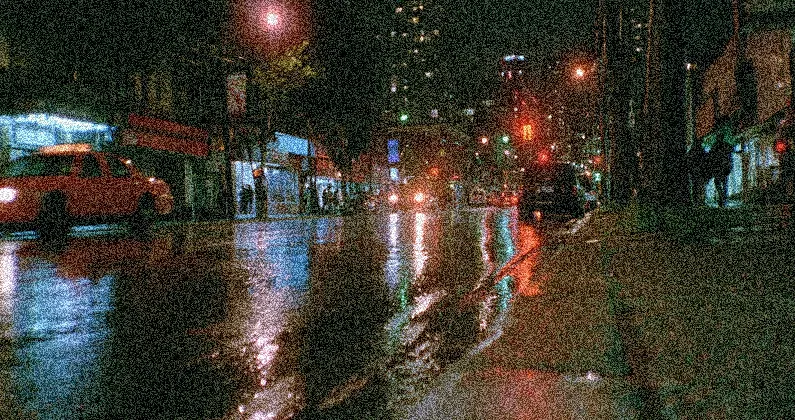
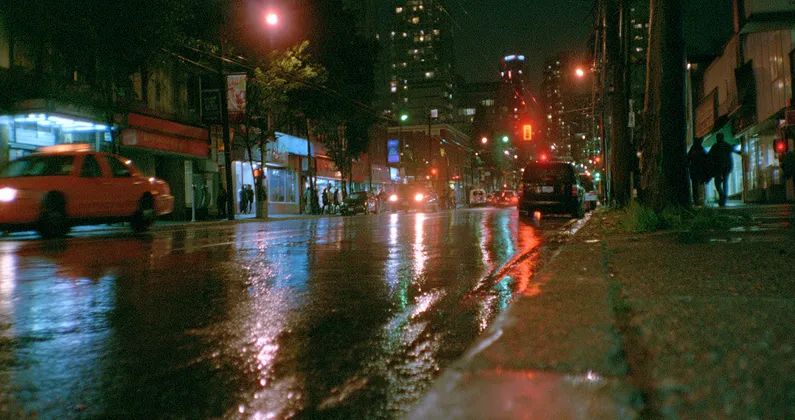
Dark footage, sharp and clear
Dark footage looks blurry from noise. Denoise cleans up the coarse grain that low-light environments produce, bringing dark scenes to life.


Looks like a pro shot it
Smaller files leave square patterns across the screen. Denoise picks out the artifacts from compression and turns rough amateur-looking output into footage that looks professionally shot.
We don't make up what isn't there
Non-generative AI that doesn't distort the original. Detail is preserved and results are predictable.
Creates missing detail to fill in
- Generates pixel info that wasn't in the original
- Results may diverge from your intent
- Detail may be altered
Sharpens the detail that's already there
- Analyzes and strengthens existing pixels
- Original preserved as-is
- Predictable, stable results
Just upload
AI handles the rest. You just receive the result.
Upload
Drag in your video or pull it from the cloud.
AI PIXELL Processing
Analyzes your video and processes at the optimal quality automatically.
Download
Save in the format you want, or automate via API.
Noise shows up most in these cases
The more these conditions apply, the bigger the denoise impact.




Who should use it?
For everyone who works with video.


Check before adopting
We've gathered the most-asked questions and core specs.
What It Works On
Applies to any video that has noise. Especially effective at night, indoors in low light, and on compressed footage.
Processing Speed
Depends on length and resolution, but a one-minute 1080p video processes within about 30 seconds.
Original Preserved
Because it's non-generative AI, it doesn't fabricate information that wasn't there. Detail is preserved.
Enterprise Adoption
On-premise deployment, custom models, and SLA guarantees available. Contact sales.
Frequently asked questions
Non-generative AI precisely isolates and removes grain noise from low-light shooting and the artifacts introduced by compression.
Noise and detail are analyzed separately, so only the noise is removed while the original sharpness and texture are preserved. The key is a natural result without excessive smoothing.
It works best on sources with pronounced grain and noise, such as low-light and night footage, heavily compressed uploads, and aged archive material.
Yes. Cleaning up noise before upscaling prevents the noise from being magnified as well, so we recommend using the two together.
See how noise vanishes
from your video
Upload a video and the AI improves quality automatically. Start free now.