
CASE 01
Broadcast Archive Footage
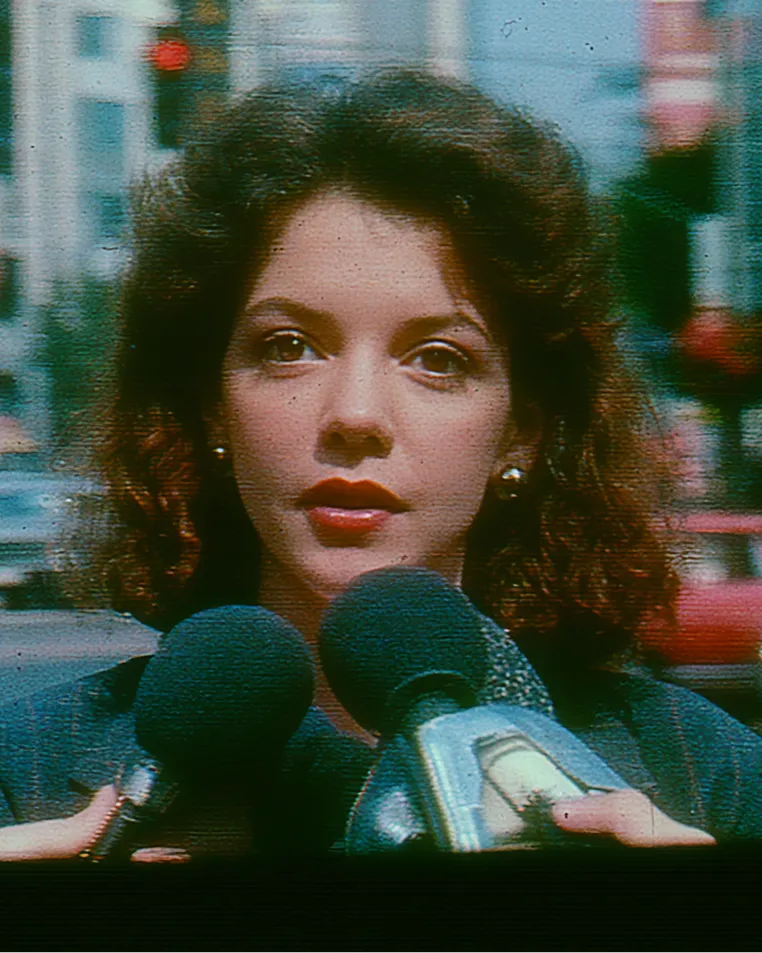
Used when remastering footage that was broadcast in interlaced form (1080i, 480i) on past terrestrial and cable for modern platforms.
AI removes interlace comb artifacts and shimmer
and restores broadcast-ready progressive video.
 Smooth Progressive · No Artifacts
Turns old footage drawn line-by-line (interlaced) into smooth footage drawn frame-by-frame (progressive).
Interlaced footage doesn't fit modern screens — the stripes and shimmer show. Both vanish completely.
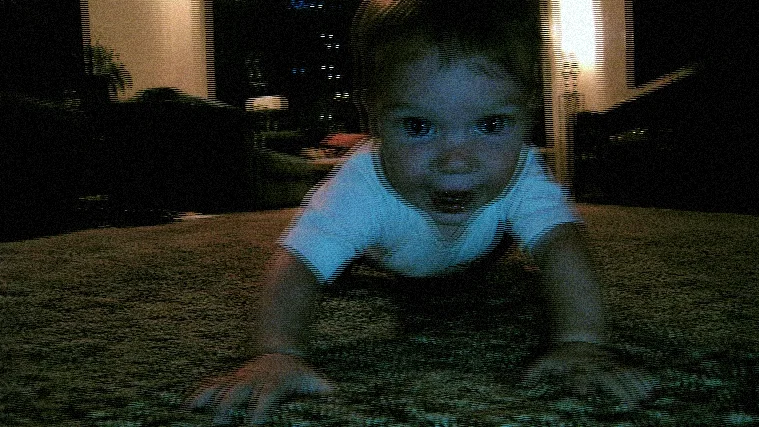
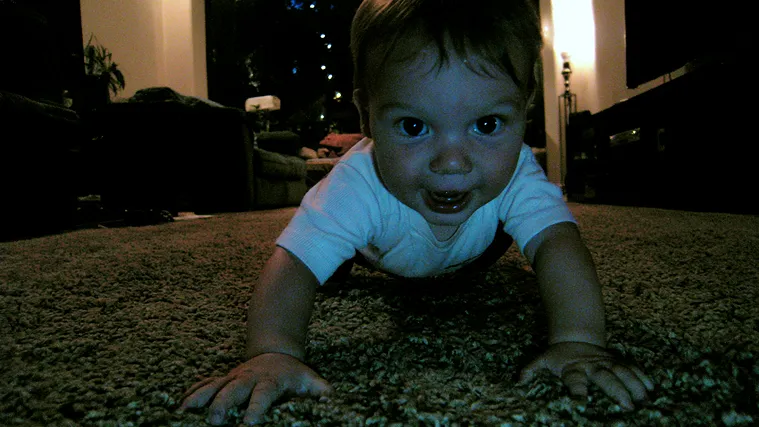


Old footage doesn't fit modern screen standards. PIXELL converts it to fit modern standards.
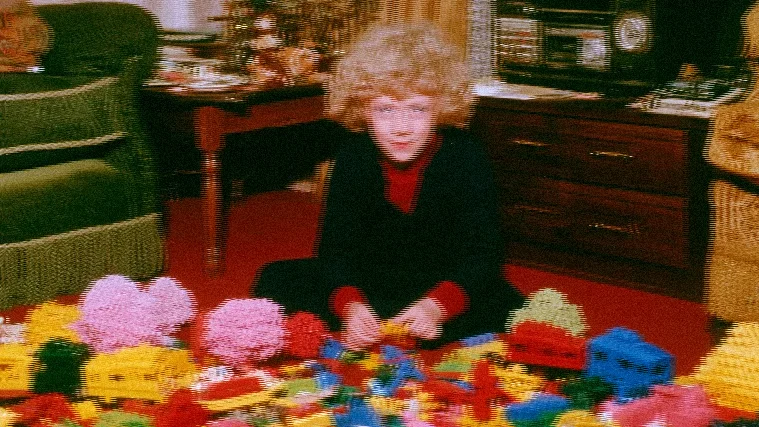
Old footage broadcast over terrestrial and cable in interlaced form doesn't fit modern screen standards. PIXELL converts it to progressive that fits modern OTT and streaming standards.

Broadcast-grade archive conversion typically needs specialized tools. PIXELL analyzes frame pairs to deliver broadcast-grade progressive video in one click.
Unlike methods that just fill empty lines, this analyzes frame pairs to weave smoothly. A non-generative approach without hallucination or distortion.
Drag in your video or pull it from the cloud. The AI auto-detects whether the source is 1080i, 480i, NTSC, or PAL.
Analyzes frame pairs to remove stripes and shimmer. Interpolates motion regions naturally without ghosting.
Save in the format you want, or automate via API. Get progressive video with original resolution and detail preserved.
Unlike methods that fill empty lines with simple copies, PIXELL analyzes adjacent frames so the original isn't degraded.
Fills empty lines with simple copies.
· Resolution drops by half
· Ghosting in motion regions
· Significant detail loss
Analyzes frame pairs together.
· AI interpolation that considers neighboring frames
· Motion regions look natural
· Original resolution and detail preserved
From broadcast feeds to old archives — anywhere de-interlace is needed.
Used when remastering footage that was broadcast in interlaced form (1080i, 480i) on past terrestrial and cable for modern platforms.
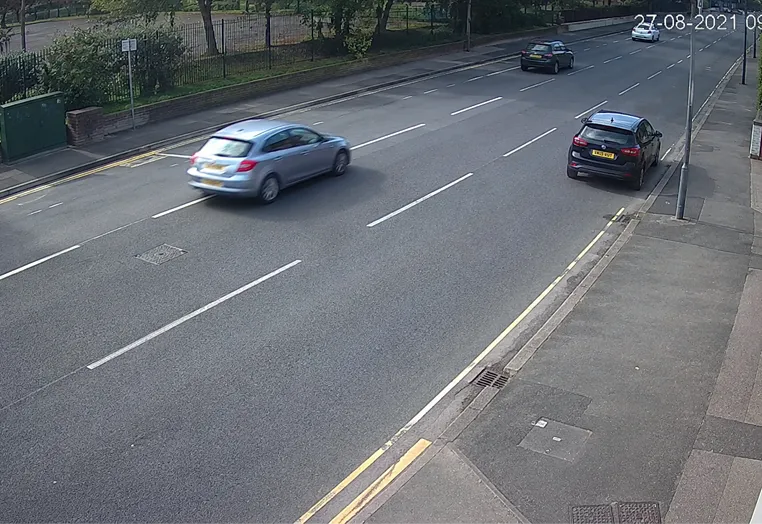
Removes stripes from interlaced security footage so investigators can review and analyze incidents at clear quality.
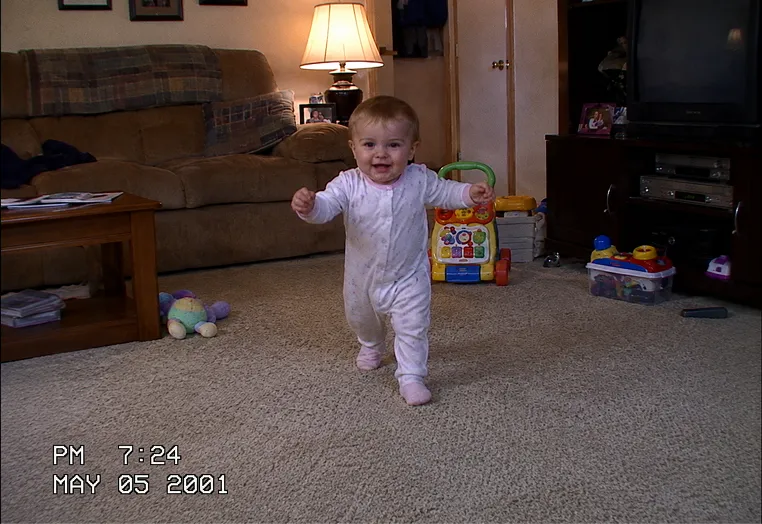
Removes interlace stripes from home video shot on Mini DV, Hi8, VHS-C and other legacy camcorders — bringing precious memories back at modern quality.

The faster the action in sports, the more obvious the comb-like stripes get. AI converts even fast motion to smooth progressive.
For everyone bringing old footage back to modern quality.
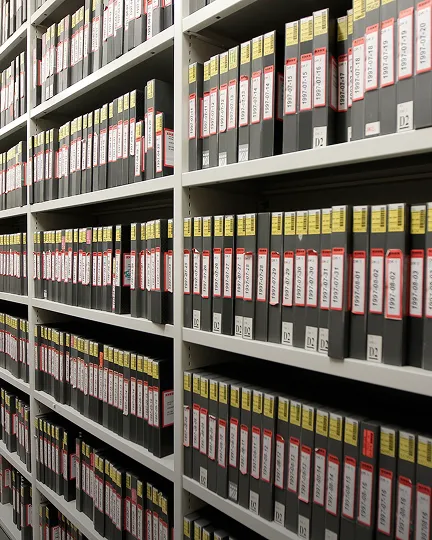
Convert interlaced footage in active rotation to OTT and streaming.
Restore old broadcast assets and film tape to modern standards.
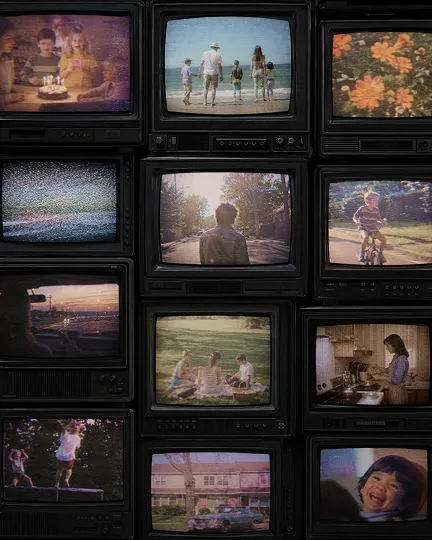
Integrate legacy footage at cinema quality.
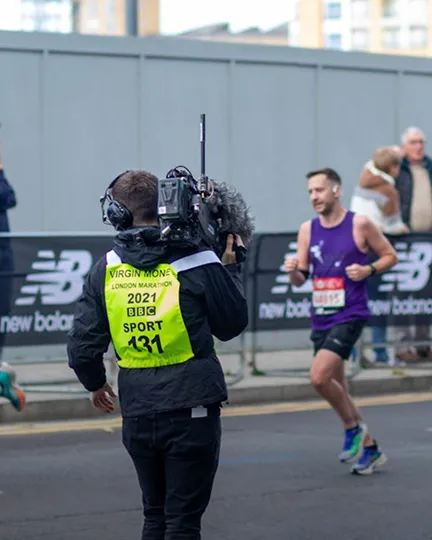
Convert DV and HDV source footage to progressive fast.
From broadcast archives to home camcorder footage — supports a wide range of interlaced sources.
It is how legacy broadcast formats such as 1080i and 480i recorded alternating odd and even lines. Played back on modern displays, it shows up as comb-like artifacts and flicker. Deinterlacing converts this into smooth progressive video.
It supports interlaced sources such as 1080i and 480i, as well as NTSC and PAL video.
Adjacent frames are analyzed together to remove only the artifacts and flicker, while the original resolution and detail stay intact.
Yes. It is designed to restore footage into progressive video ready for broadcast transmission, and it is used in real broadcast archive remastering.
Upload your video and AI removes comb artifacts and shimmer, returning a smooth progressive video.